Lecture 01 — Introduction to Computer Vision
Lecture 1
Course Overview

| Course Name | Intelligent Vision Systems |
| Program | BSES, 7th Semester, Section A |
| Semester Duration | August 31 – December 14, 2026 (16 Lectures) |
| Class Meeting Times | 11:00 AM–2:00 PM, Monday |
| Class Location | E1 - 404 Lab |
Instructor
Dr. Muhammad Kazim:
- Assistant Professor, Department of Intelligent Systems
- University of Lahore, Pakistan
- Preferred form of address: Please call me Kazim.
Teaching:
- “Intelligent Vision Systems” — BSES, 7th Semester, Section A
Email:

Course Learning Objectives
- Explain fundamentals of image formation, representation, color, and processing.
- Apply filtering, convolution, Fourier analysis, edge detection, and Hough methods.
- Detect, describe, and match visual features.
- Apply camera geometry, calibration, stereo vision, and motion estimation for 3D vision.
- Implement classical recognition and detection methods, including SIFT and HOG.
- Apply machine learning and deep learning to classification, detection, and segmentation.
- Develop and evaluate computer vision pipelines using Python and OpenCV.



Computer Vision and Nearby Fields
Computer Vision
Computer vision tries to infer useful information about the real world from images, videos, and other visual sensor data.
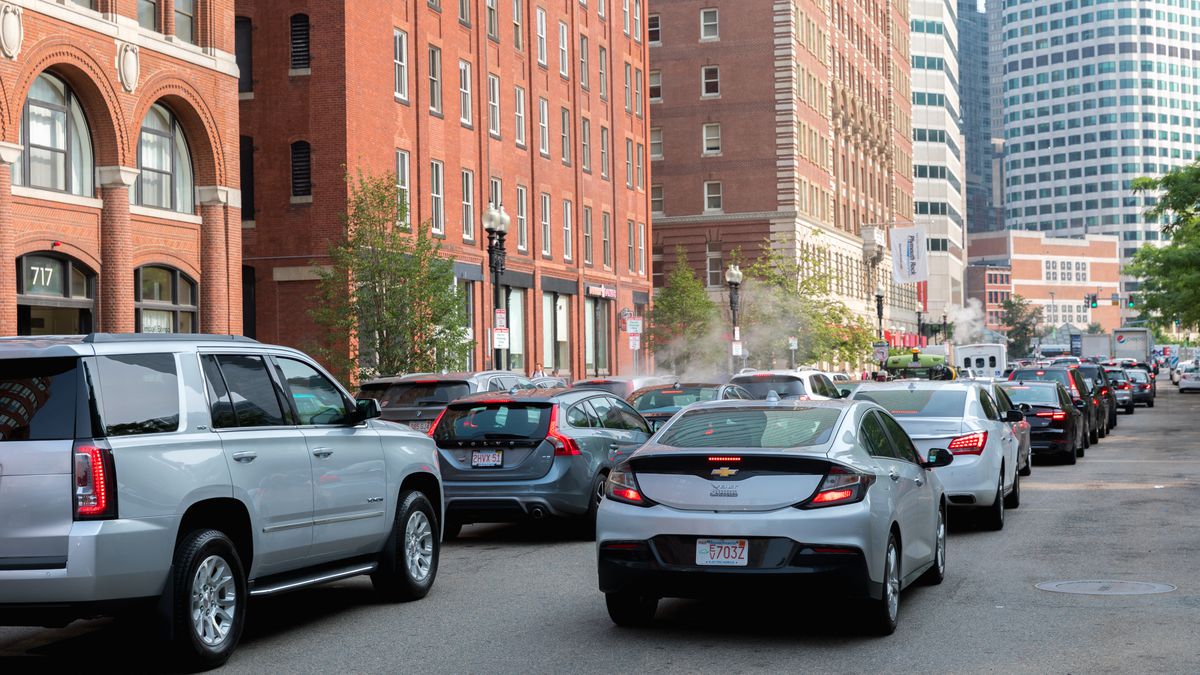 Real-world image
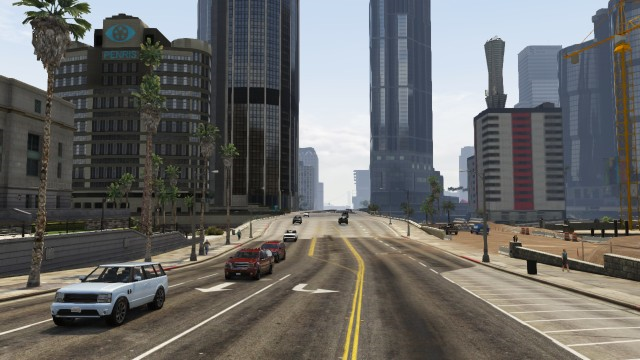 Rendered / digital world
Scope of Computer Vision
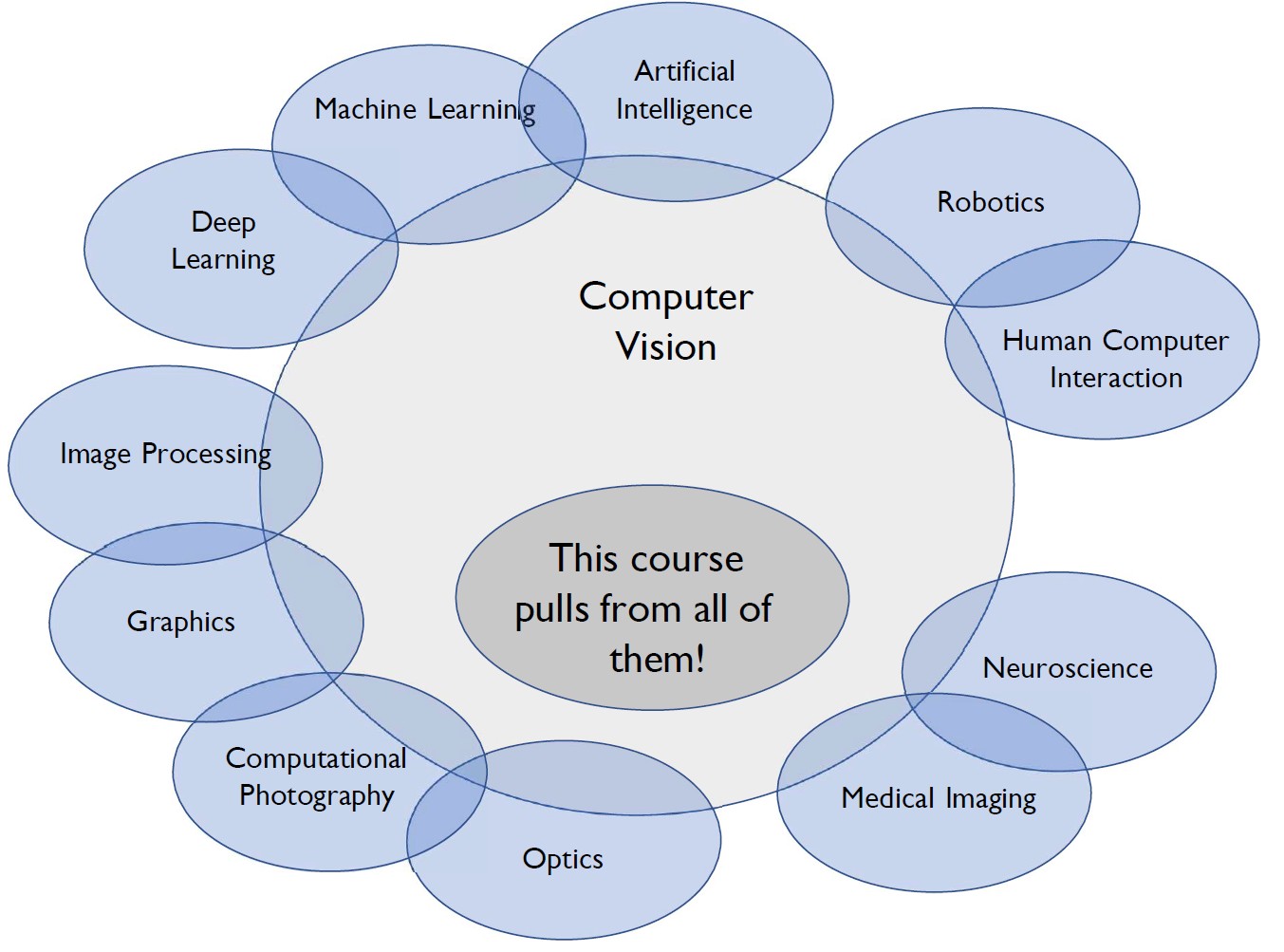
Computer vision uses ideas from many fields. In this course, in addition to theory, we focus on practical computer vision algorithms and tools.
Quick Discussion

Two faces, or a vase? What you see depends on how you look.
Think of at least one computer vision application you already know.
Computer Vision on Smartphones
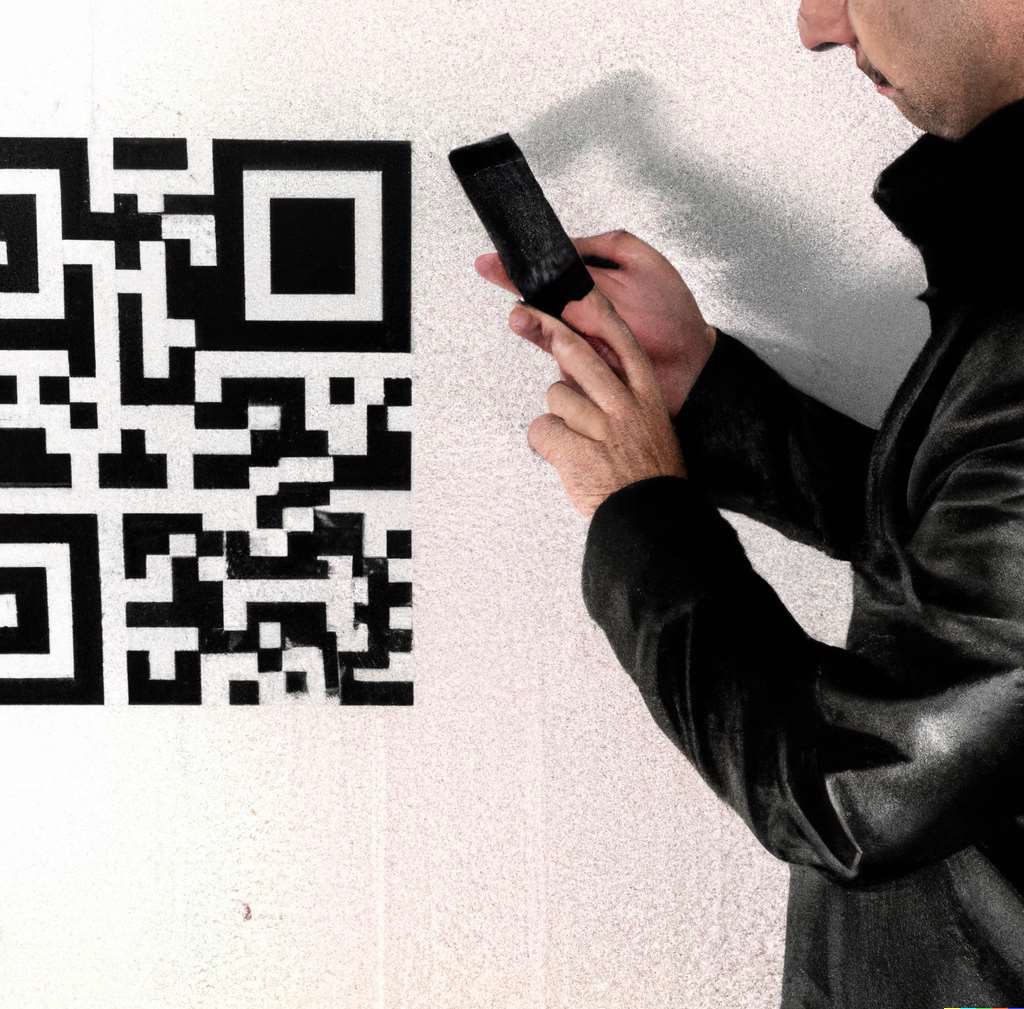 QR codes
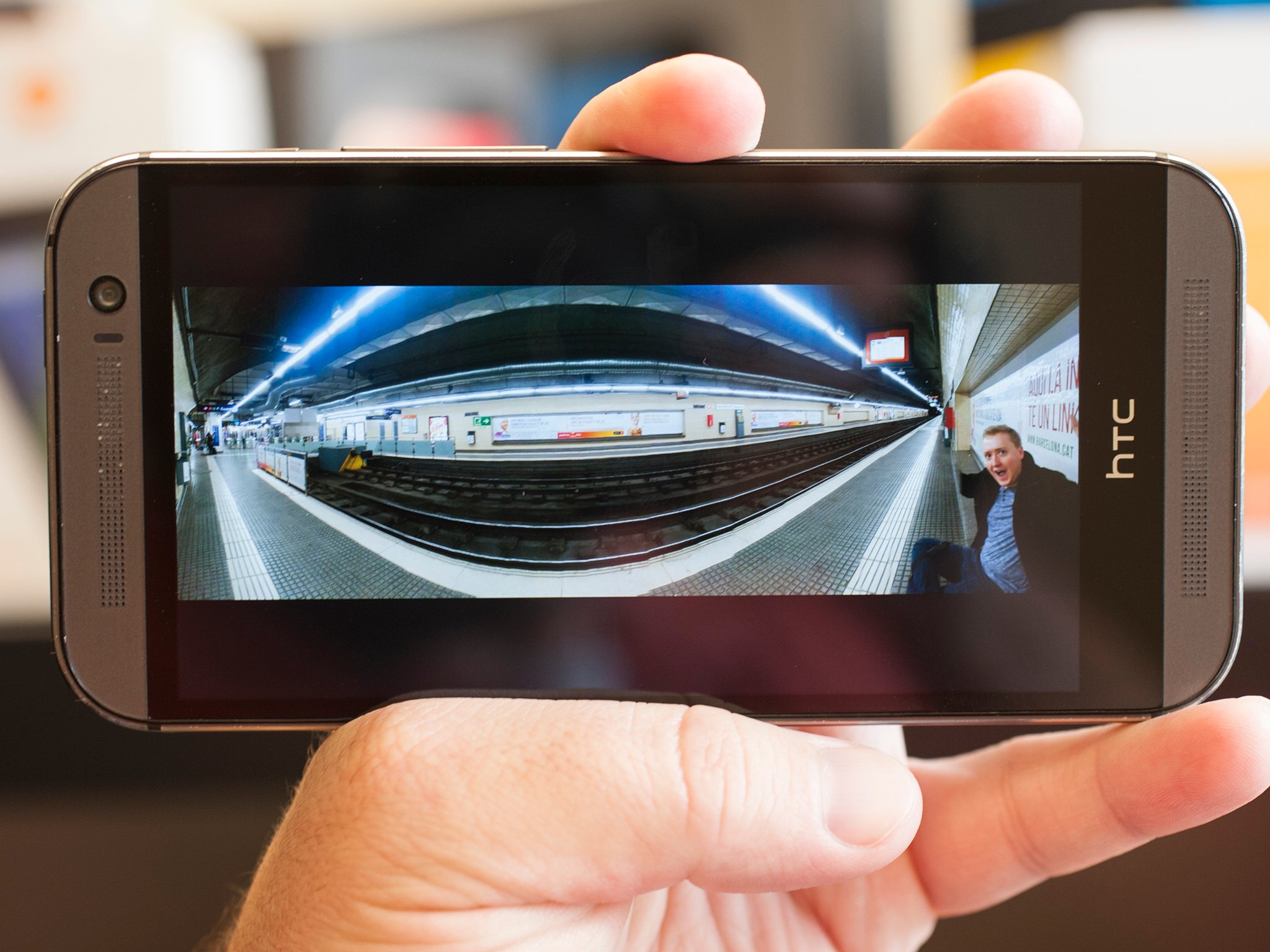 Panorama
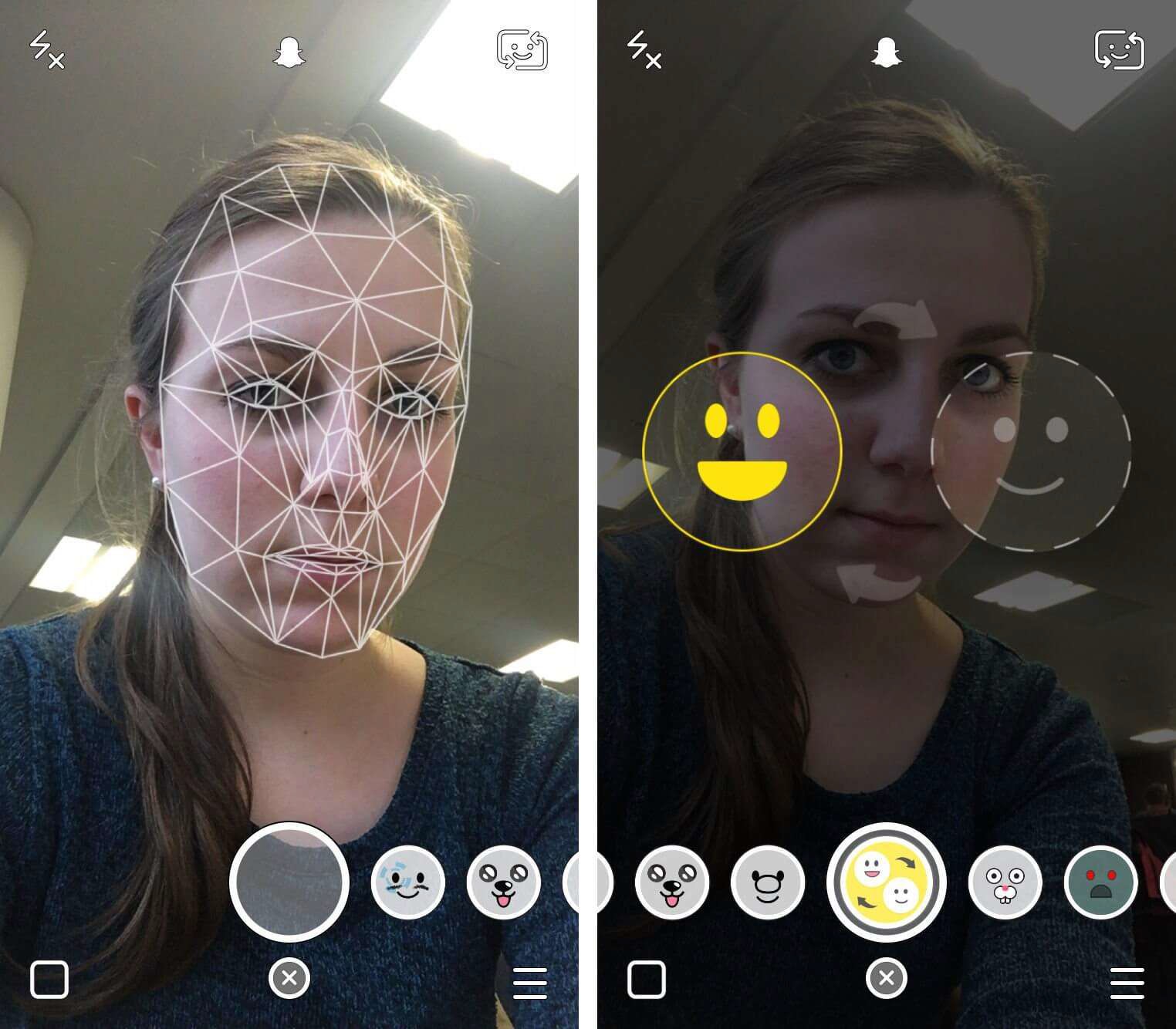 Face and emotion detection
Smartphones: Face Filters


Security & Biometrics

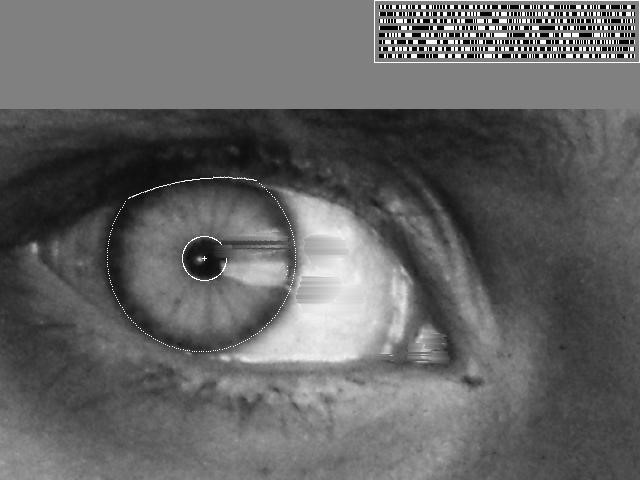
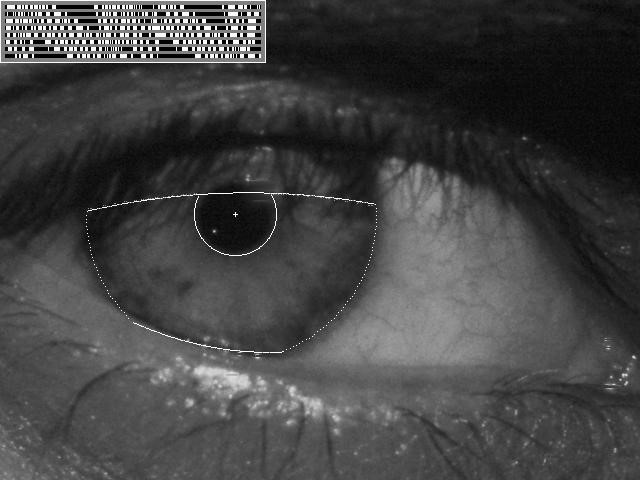
Iris recognition:
- “How the Afghan Girl was Identified by Her Iris Patterns”
- Read the story | Wikipedia
Visual Search & Recognition



Google Lens: recognize objects, products, landmarks, plants, text, and other visual content
AR/VR & Spatial Computing
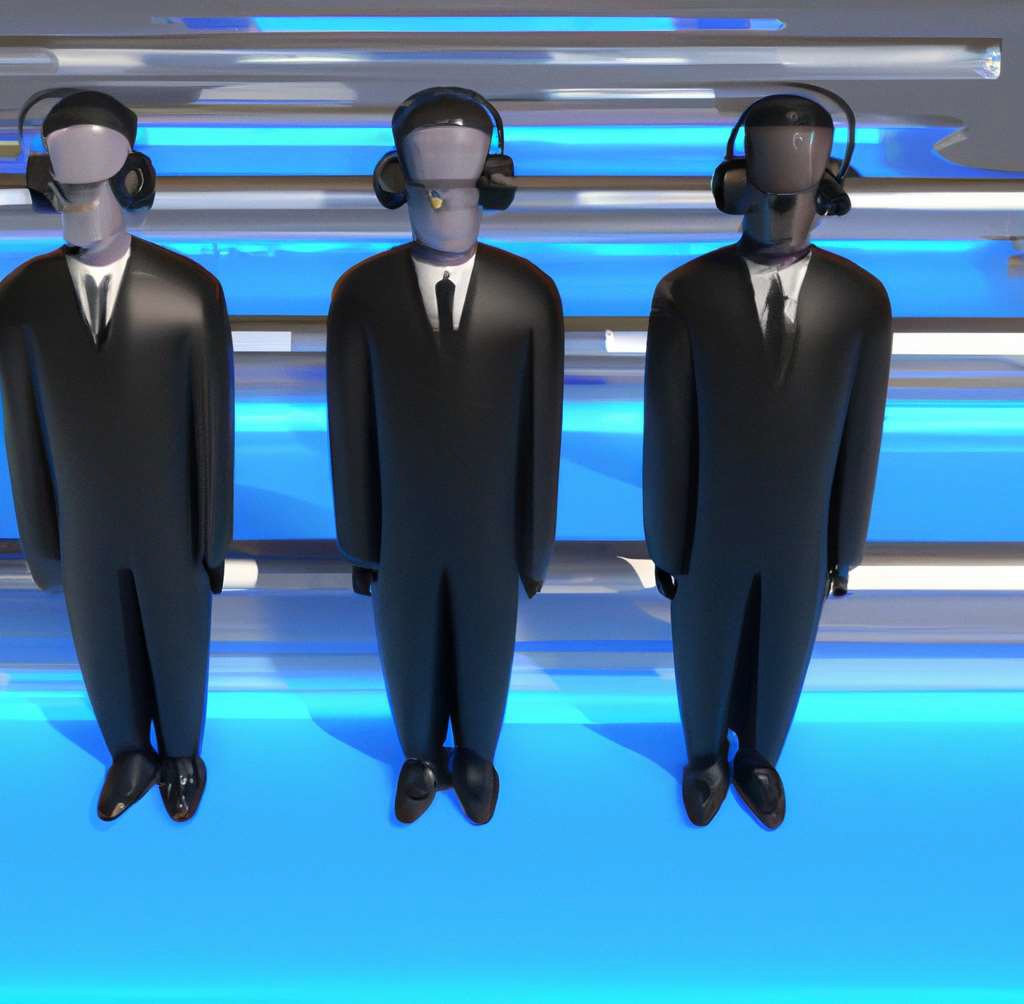

Virtual and mixed reality
3D Reconstruction
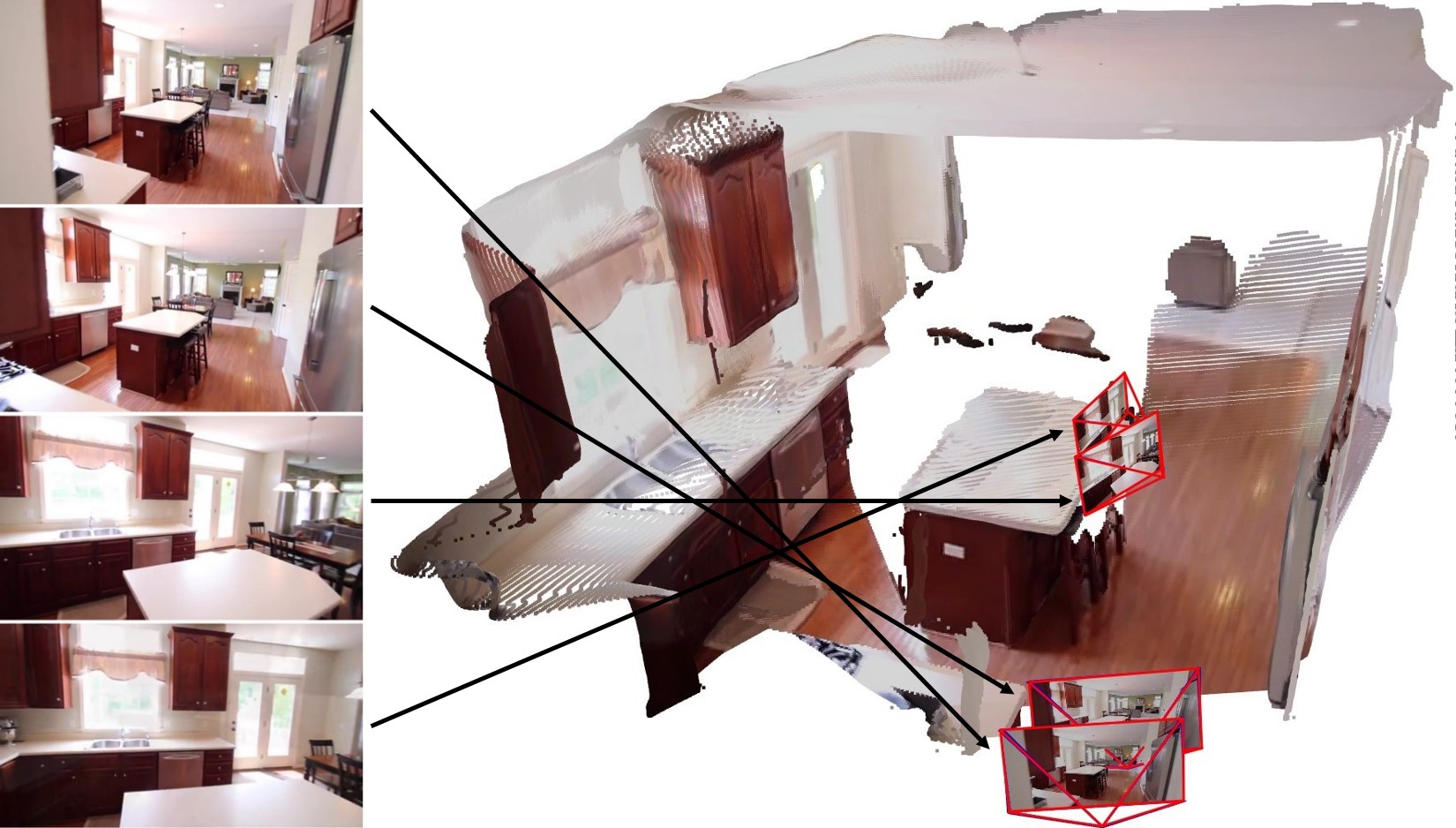
Recovering the 3D structure of a scene from multiple images taken from different viewpoints.
Visual Effects & Motion Capture
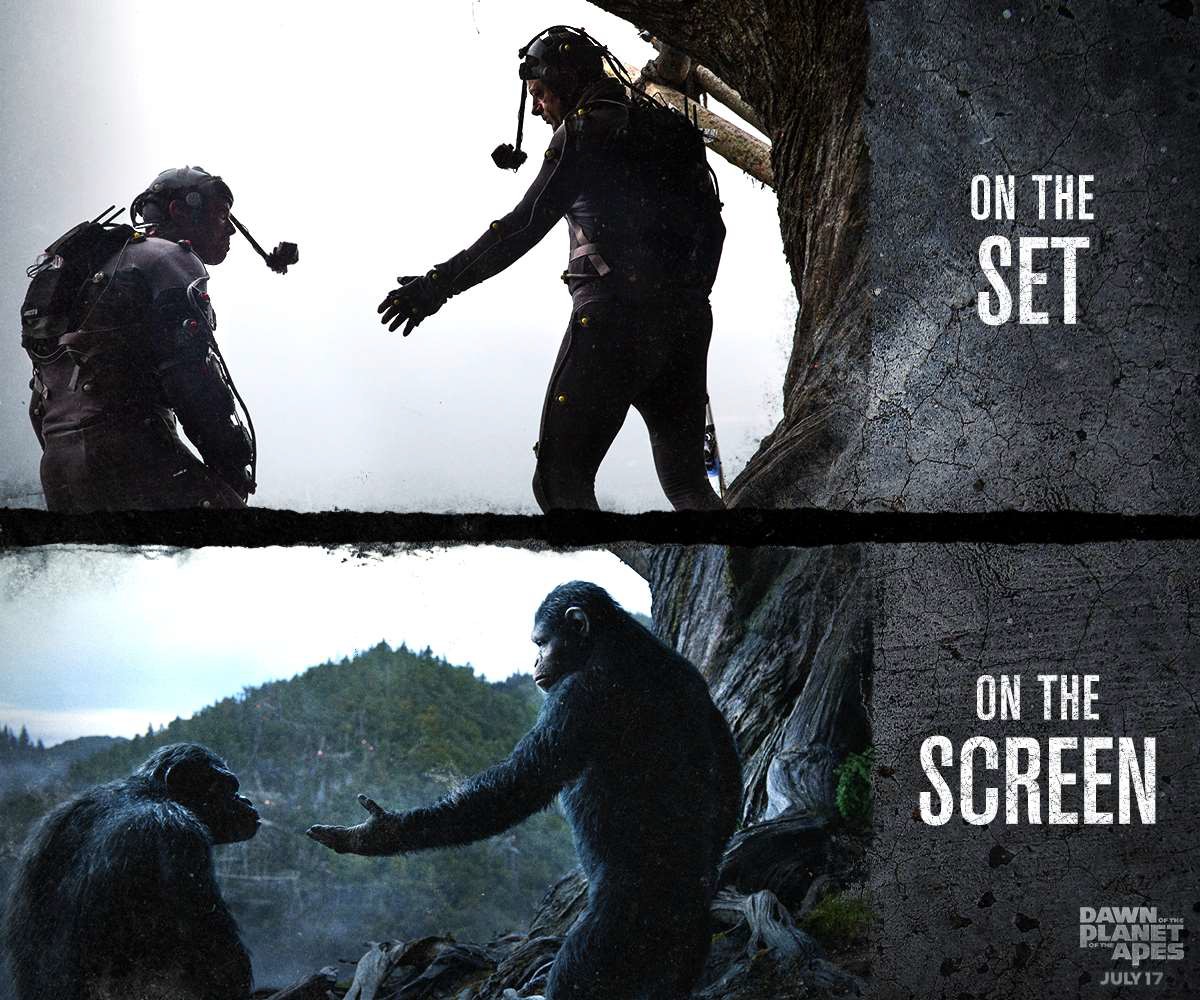 Dawn of the Planet of the Apes
Motion capture and computer vision algorithms transform actors into digital character.
Transportation: Autonomous Driving
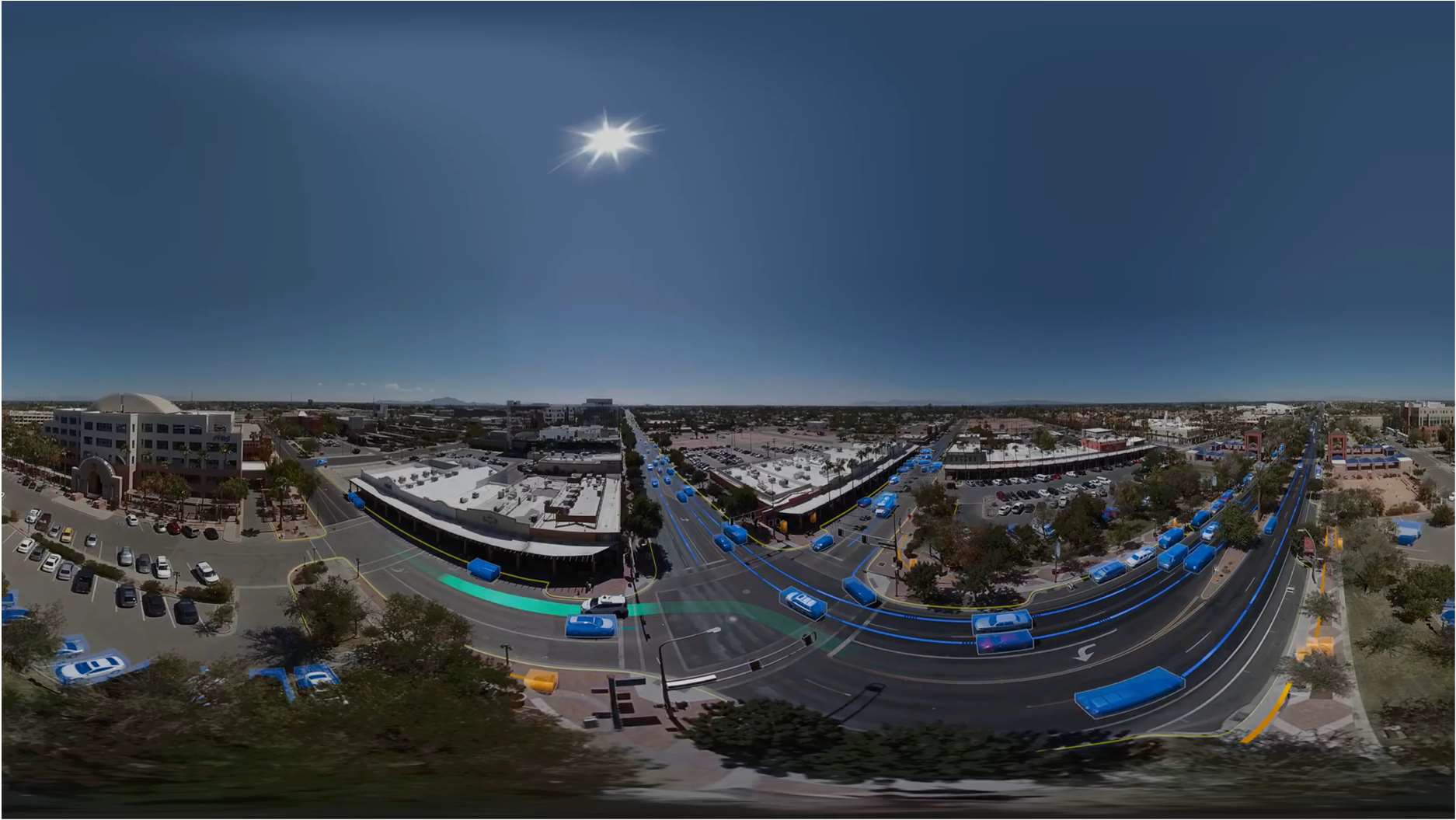 Waymo:
 Computer vision enables detection, tracking, localization, scene understanding, and navigation for automomous cars.
Medical Imaging
MRI / CT
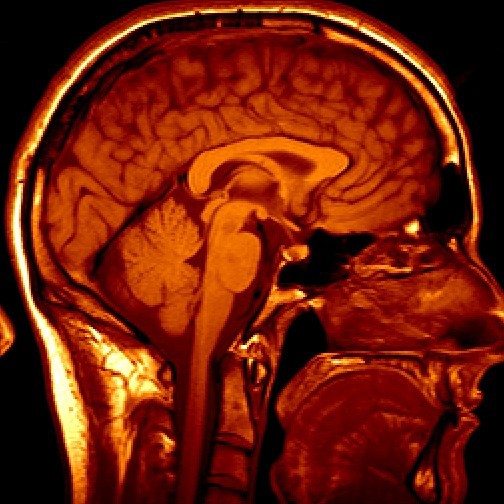
Reconstruction, segmentation, detection, and diagnosis
Ultrasound
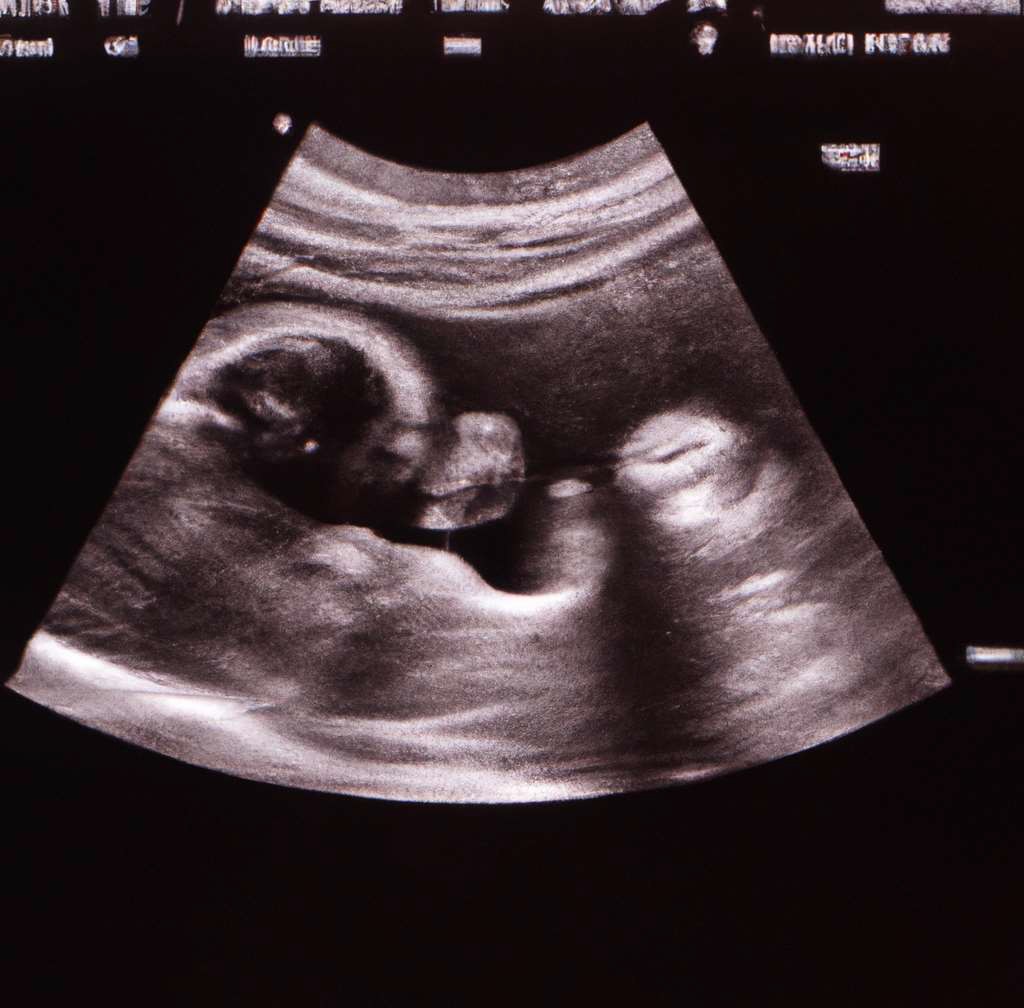
Imaging, measurement, diagnosis, and surgical guidance
Astronomy & Remote Sensing
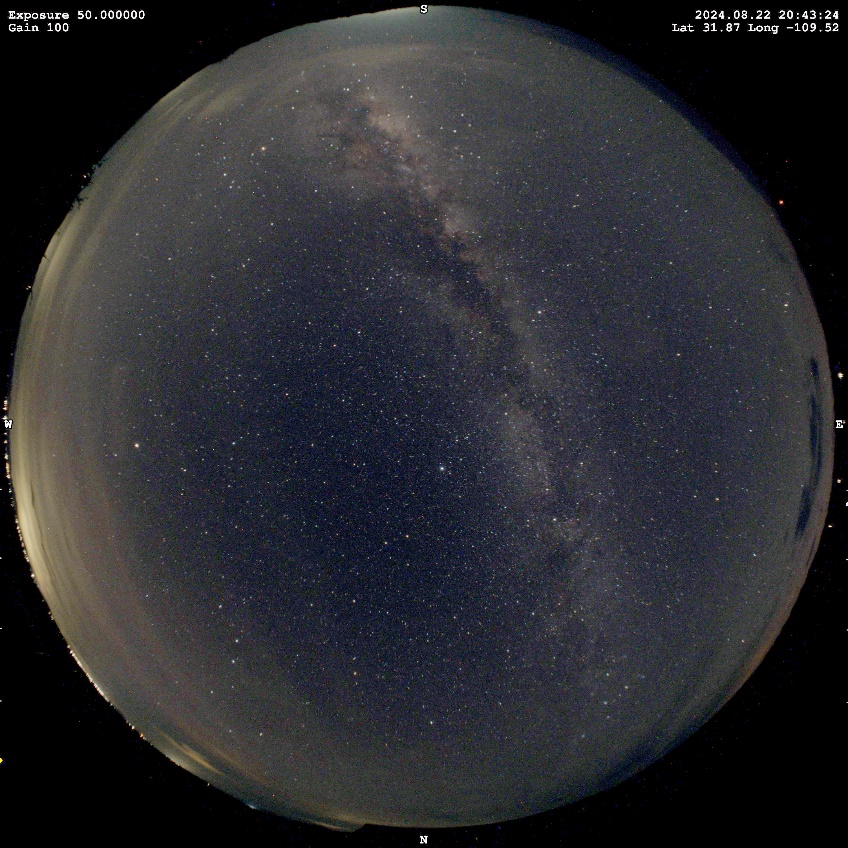
Cloudy

Clear
Example application: Cloud detection in astronomical imaging
Image by Charlie Hagen (Mines alumnus): https://www.nightphotons.com/
Space Exploration: Visual Navigation
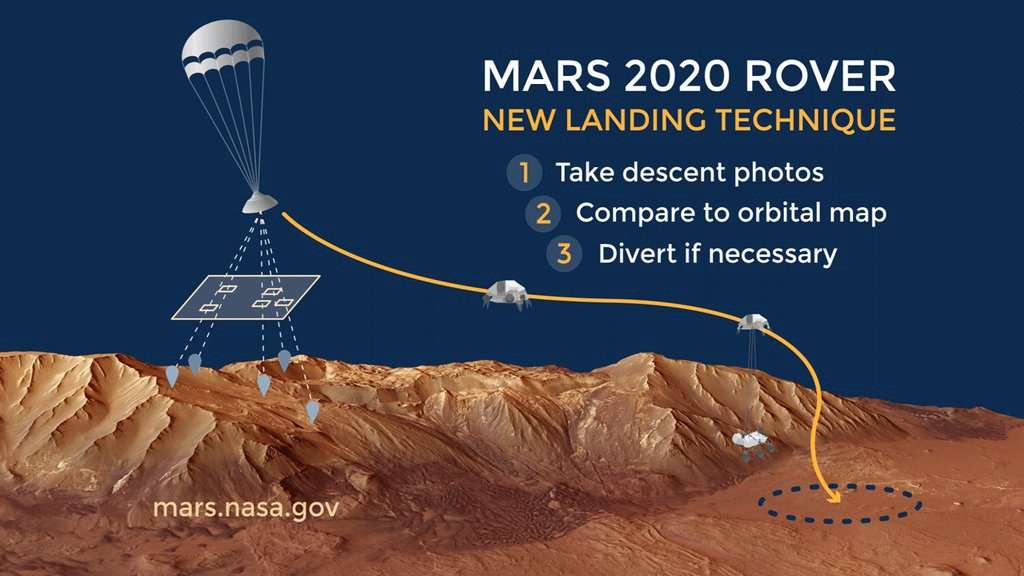
Mars 2020 mission used vision-based localizatoin during landing:
- Capture descent images
- Compare images with an orbital map
- Estimate location and adjust if necessary
Robotics & Embodied AI
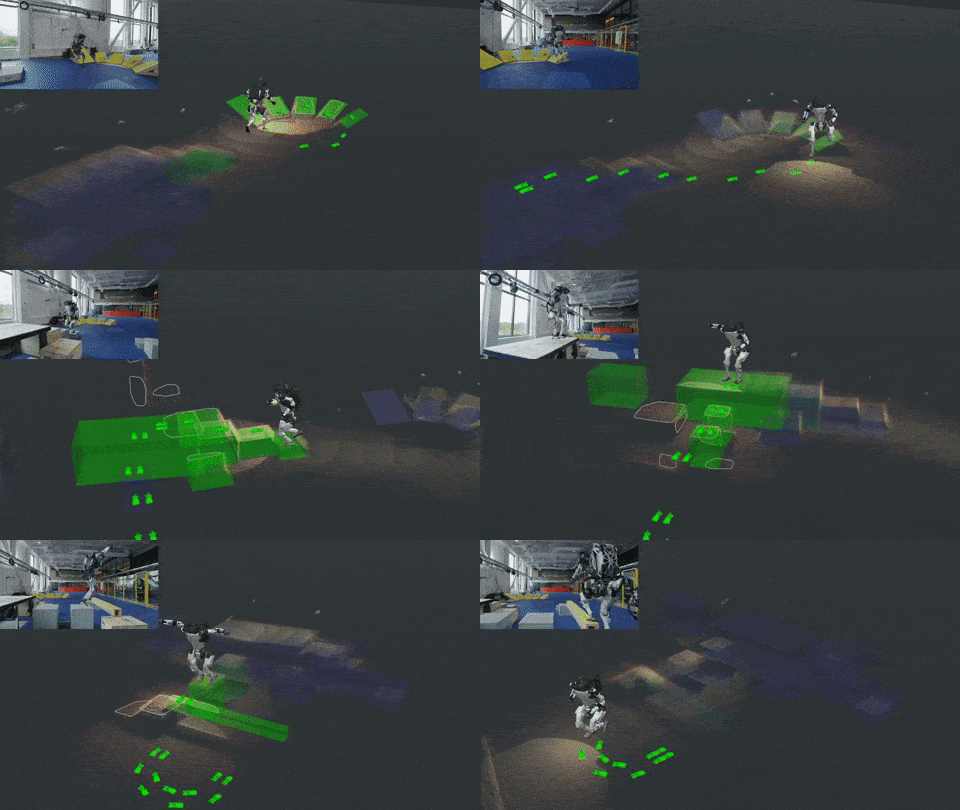
Boston Dynamics: https://blog.bostondynamics.com/flipping-the-script-with-atlas
Robots use vision for perception, localization, mapping, navigation, manipulation, and interaction with the physical world.
Vision-Language & Generative AI
 “Teddy bears working on new AI research underwater with 1990s technology”
 “Cats playing chess”
 “A teddy bear sitting at the Colorado School of Mines”
Modern vision systems increasingly combine visual understanding, language, reasoning, and generation.
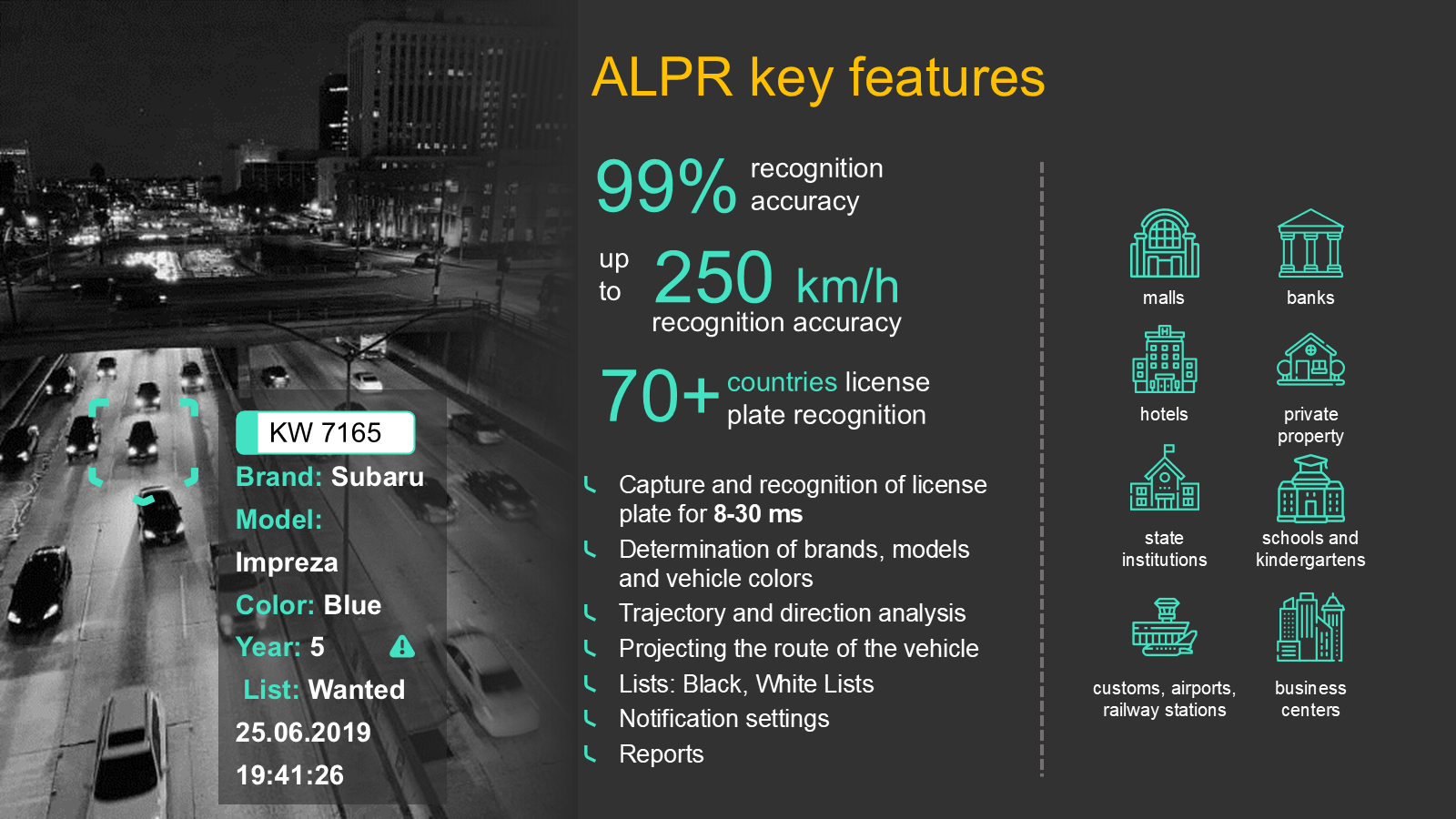
Case Study: License Plate Recognition
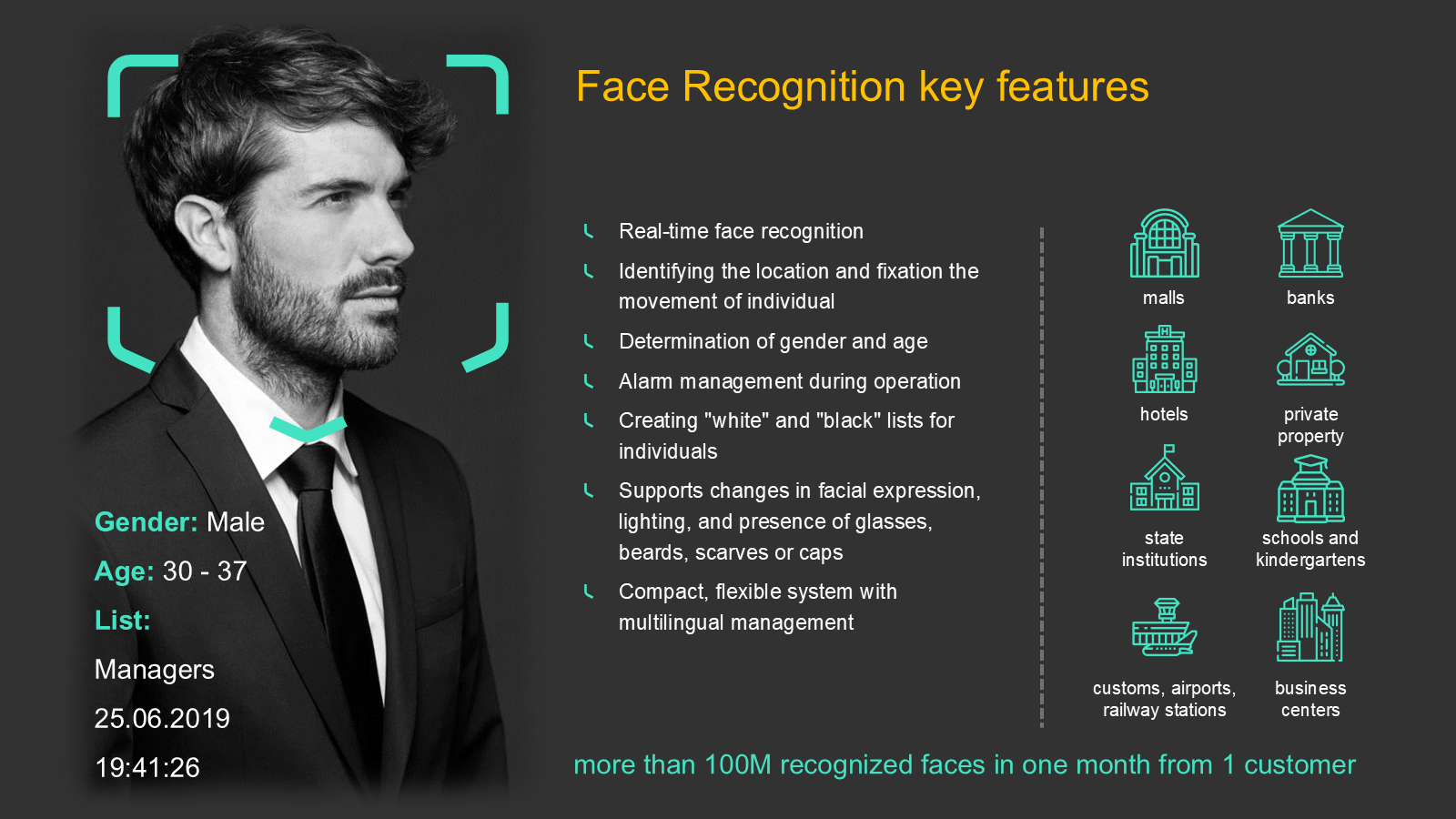
Case Study: Face Recognition
Case Study: Workplace Safety (Hard Hat Detection)

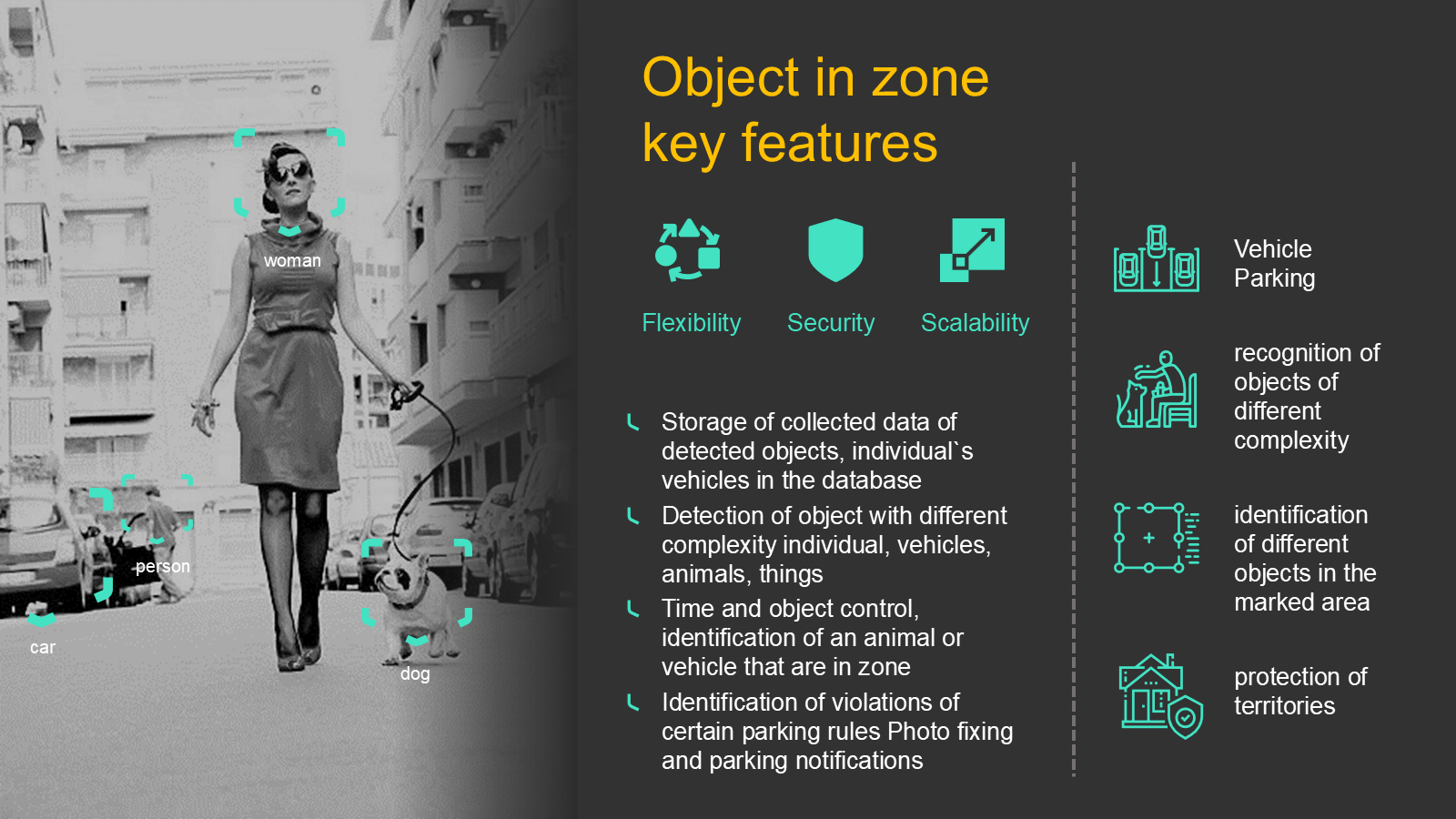
Case Study: Object in Zone
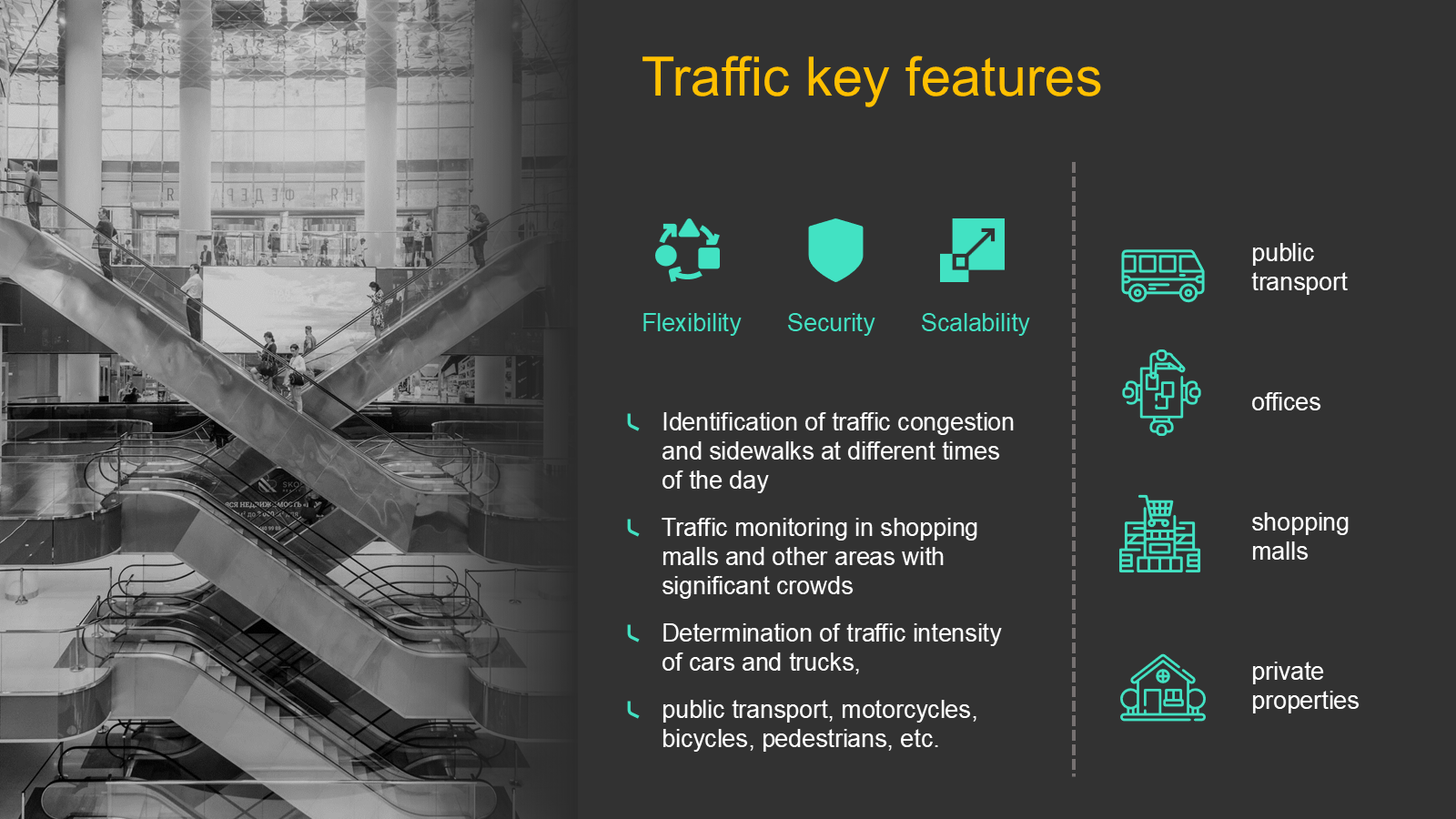
Case Study: Traffic Analytics
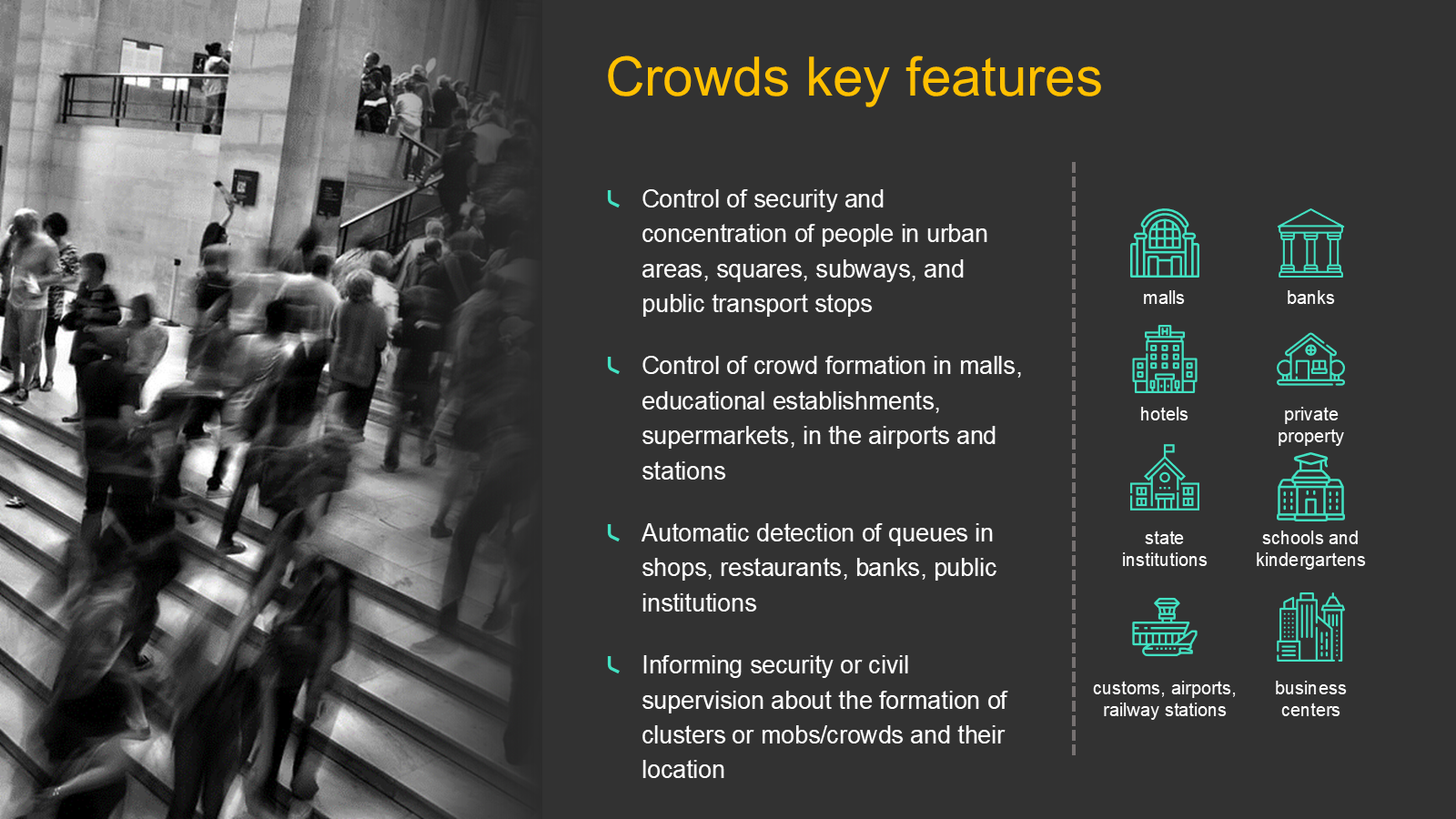
Case Study: Public Gatherings & Crowd Control
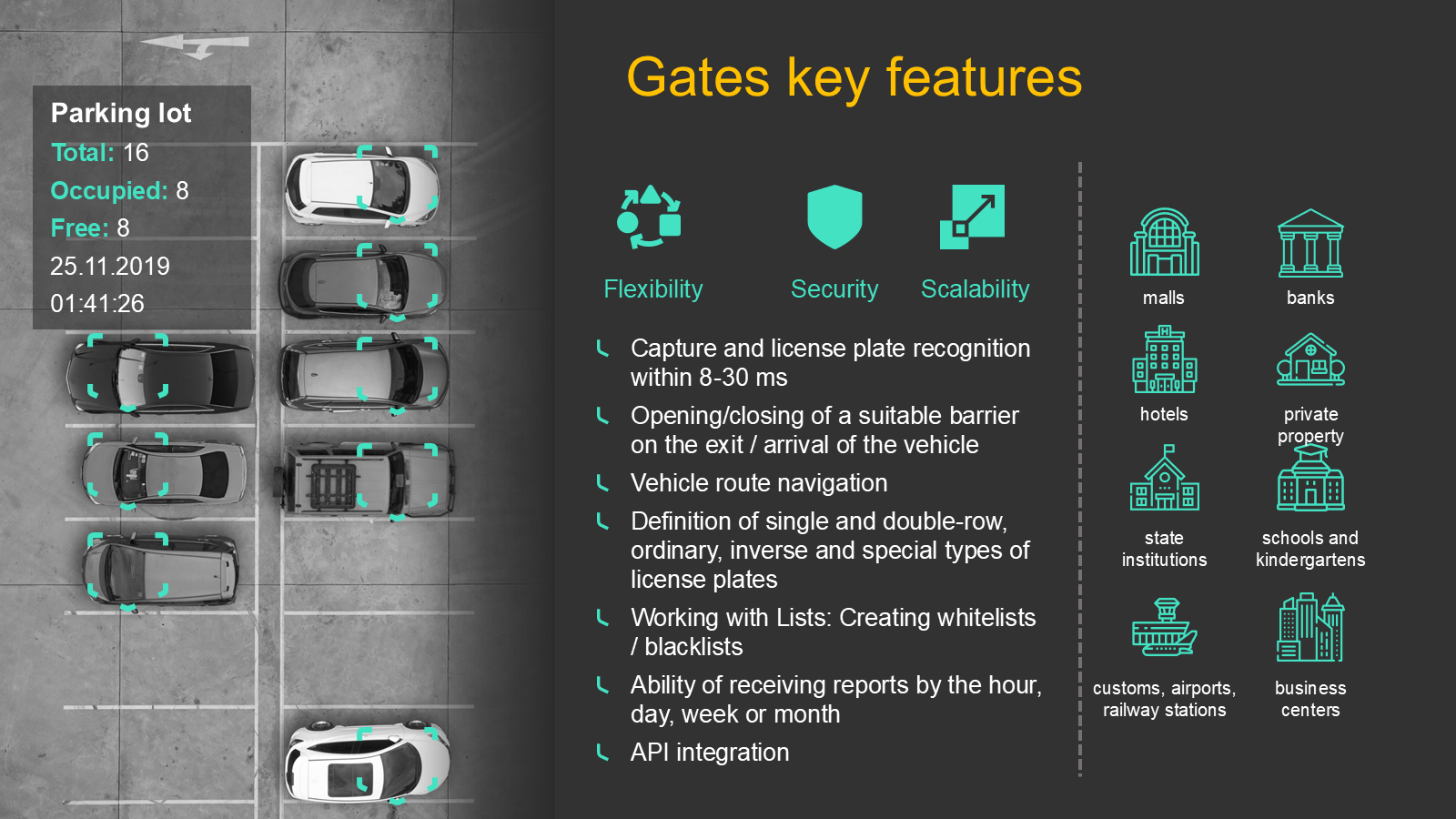
Case Study: Gates (ALPR Lite)
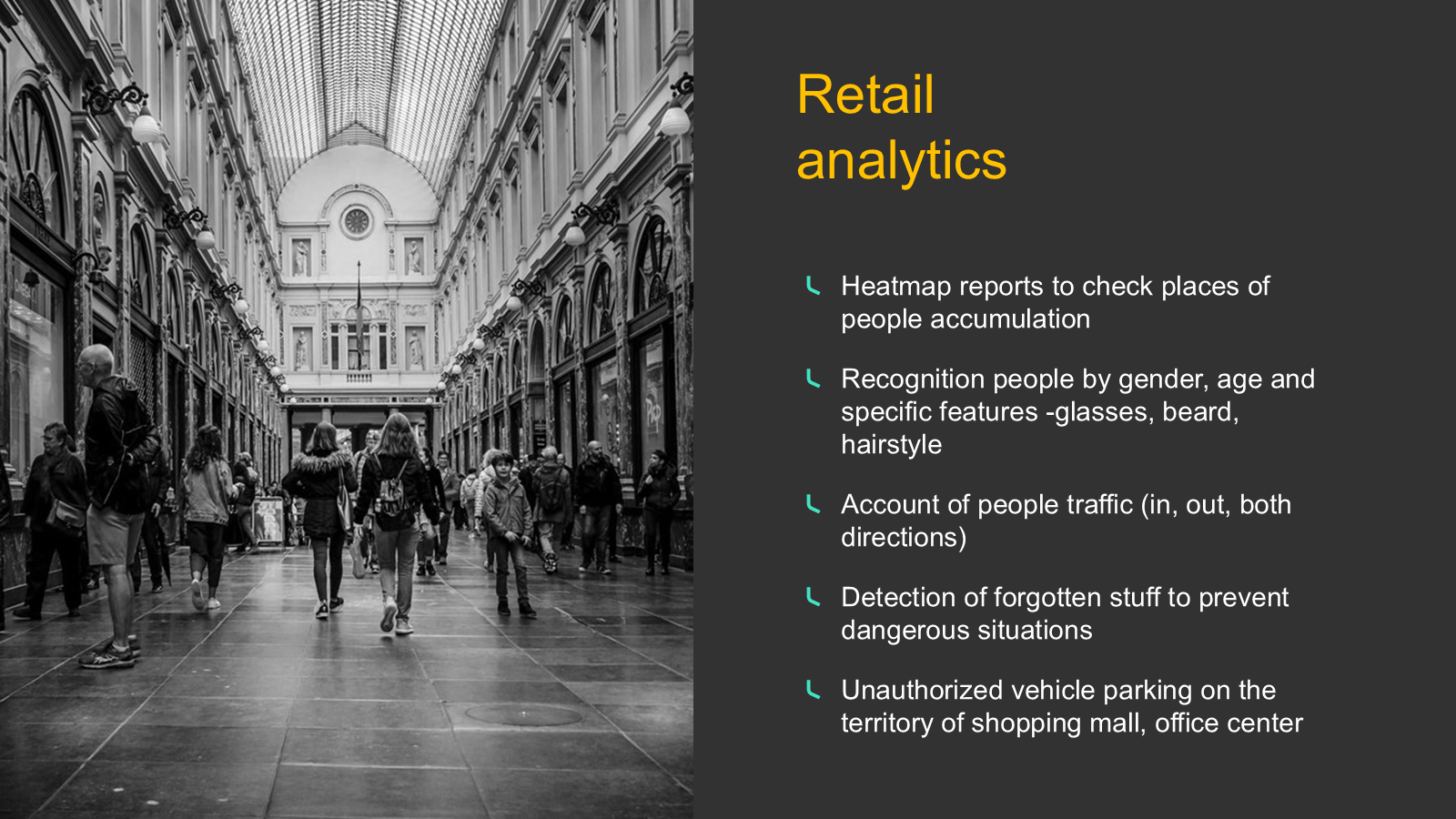
Case Study: Retail Analytics
Case Study: Smart Mall
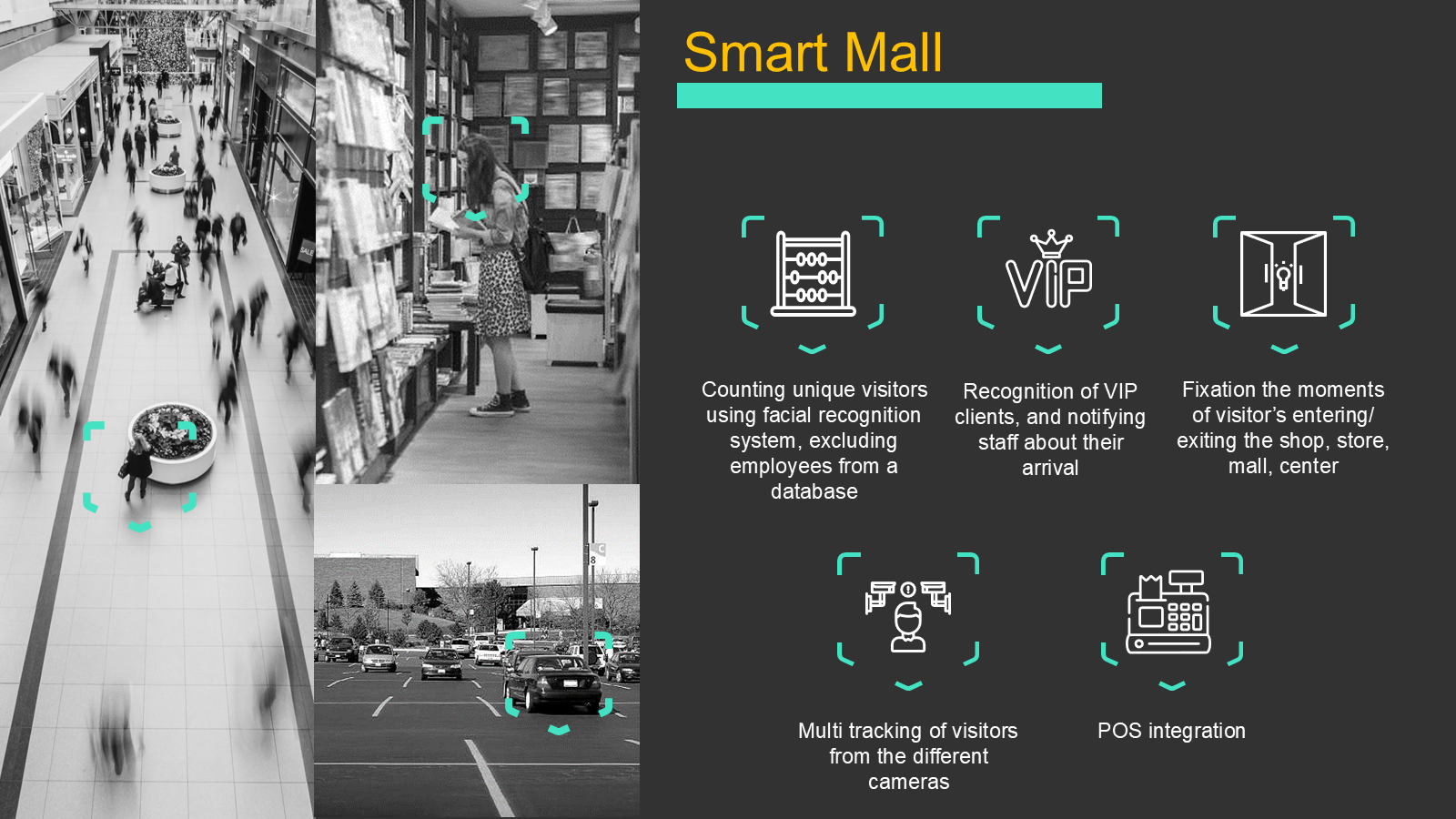
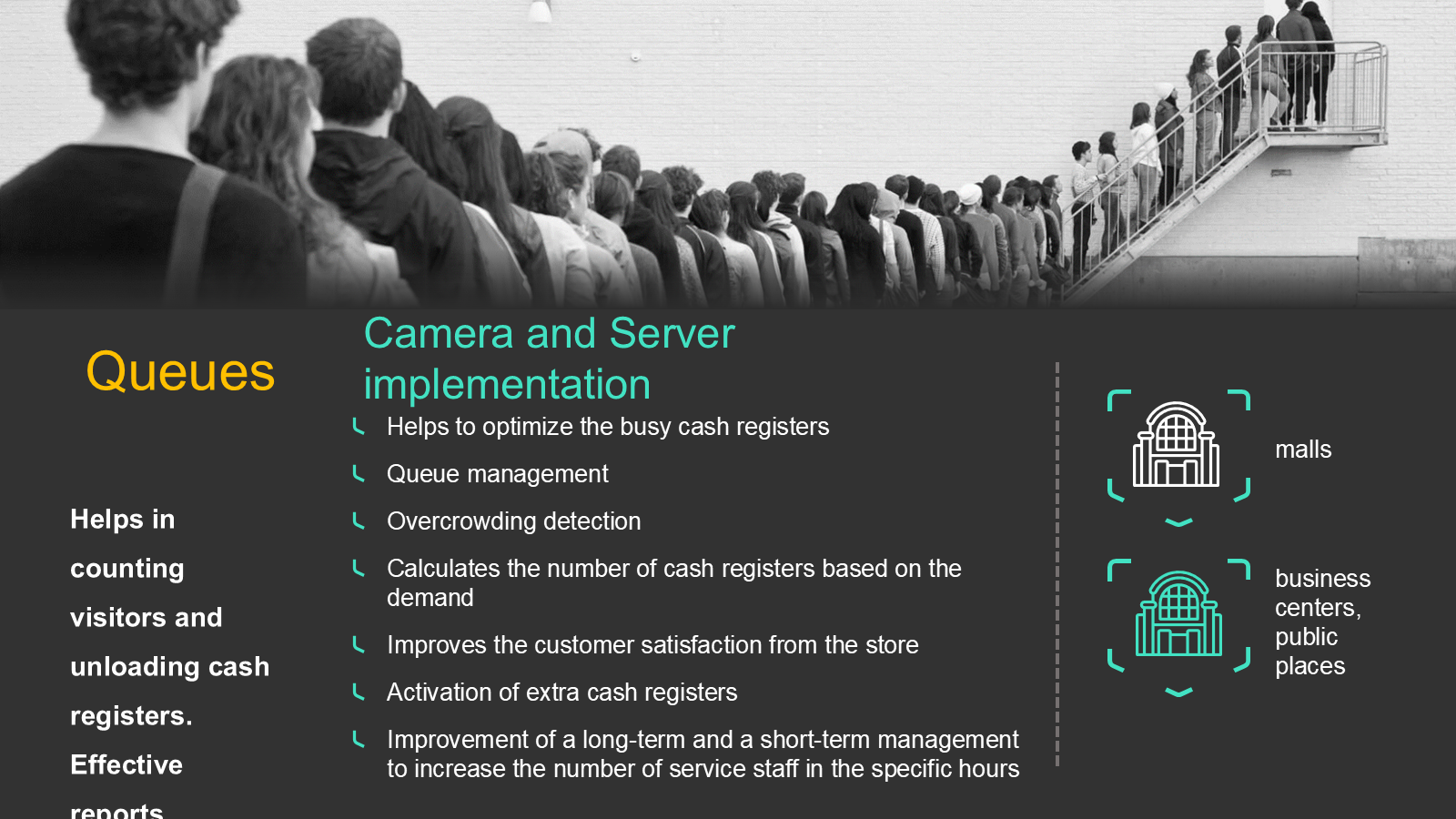
Case Study: Queue Management
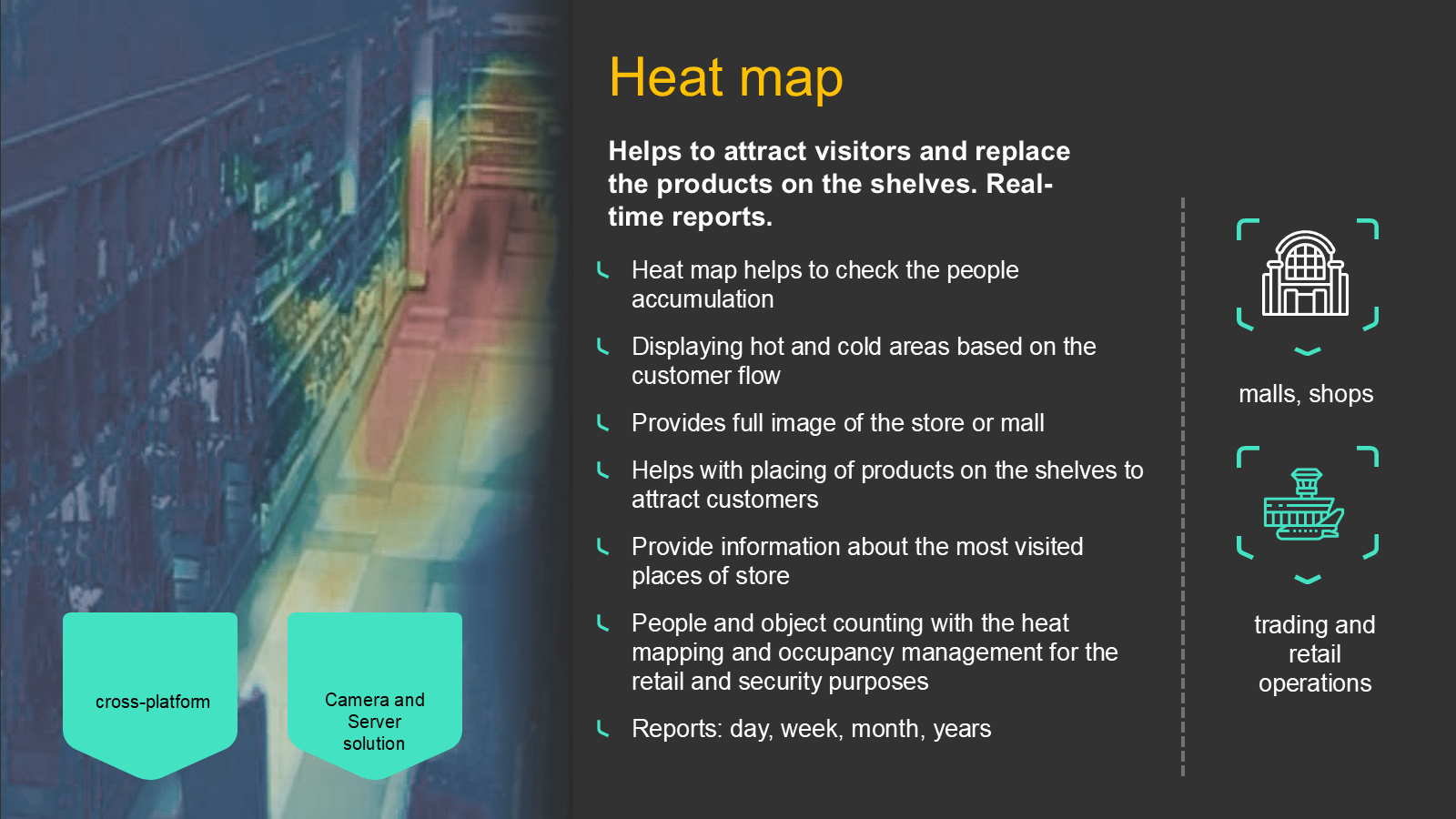
Case Study: Heat Map
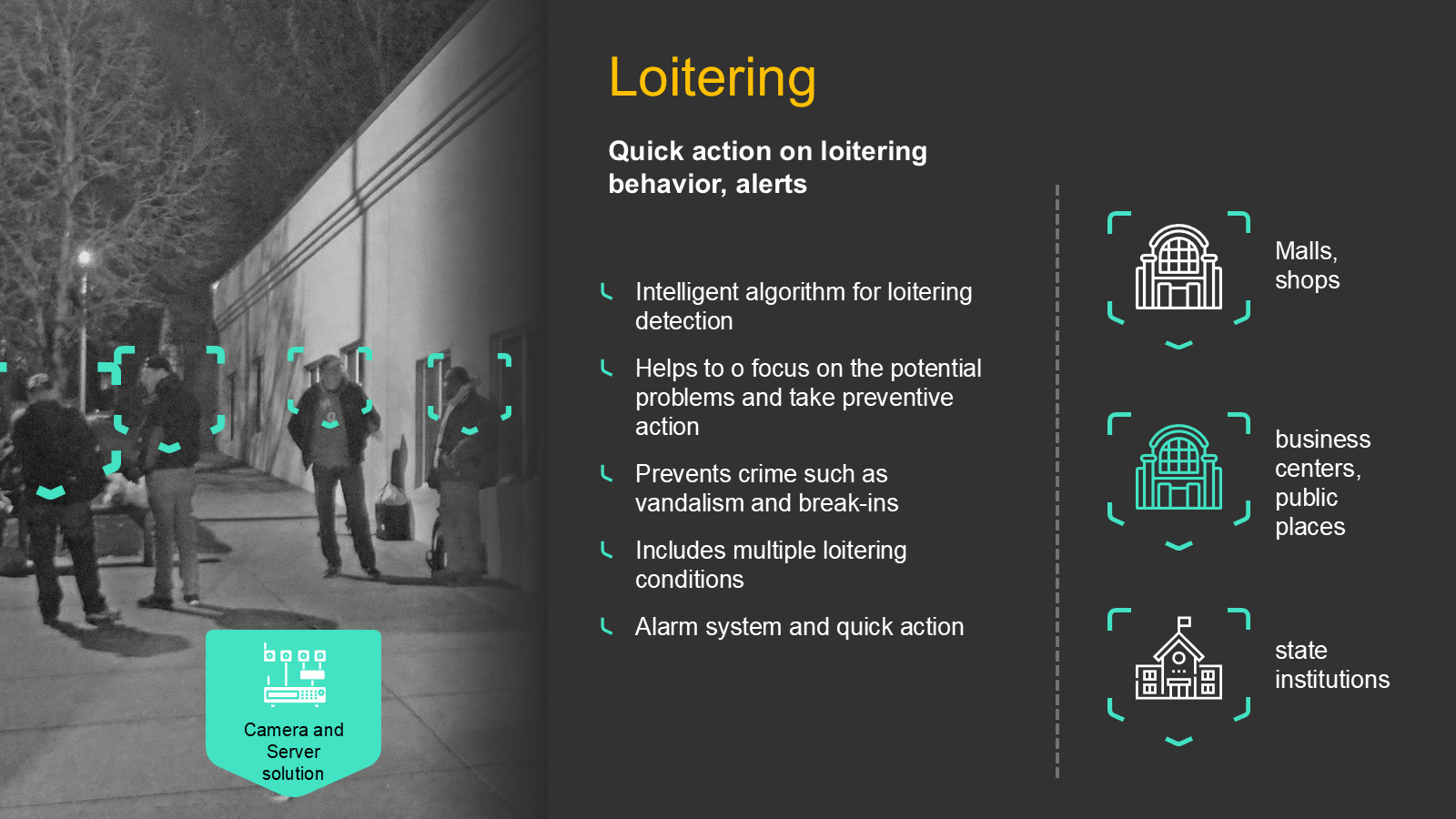
Case Study: Loitering Detection
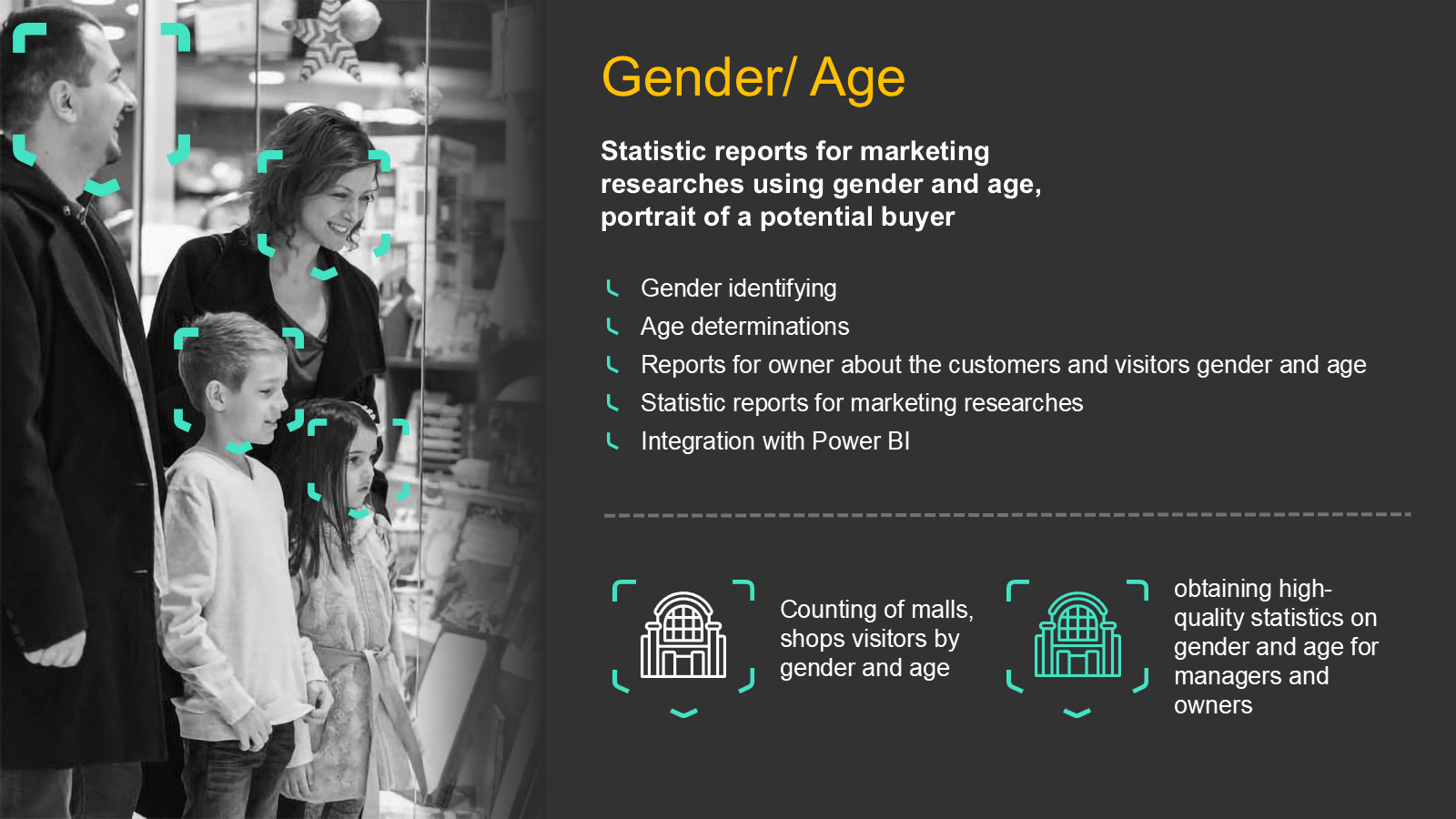
Case Study: Gender / Age Determination
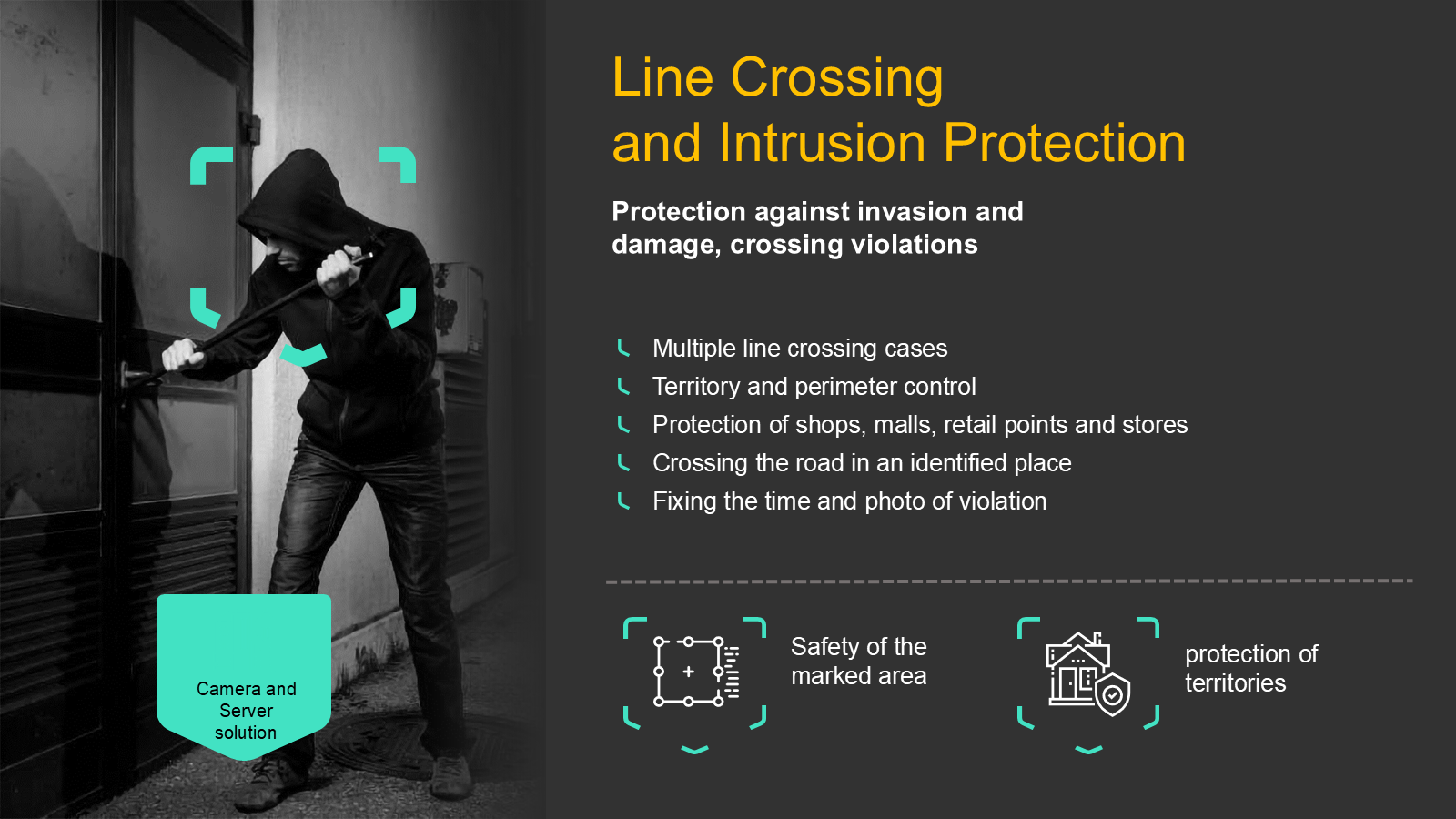
Case Study: Line Crossing & Intrusion Protection
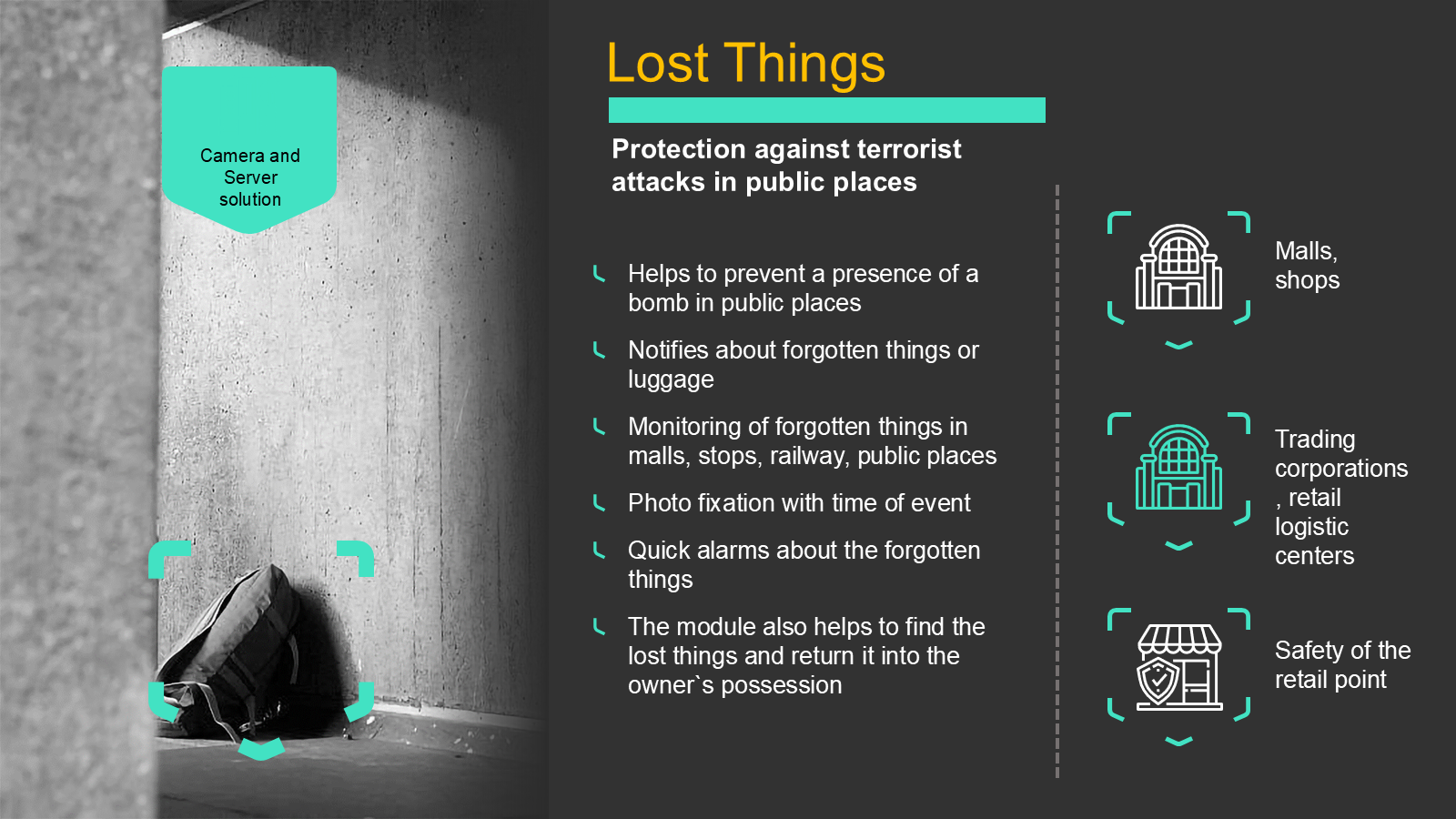
Case Study: Lost Things
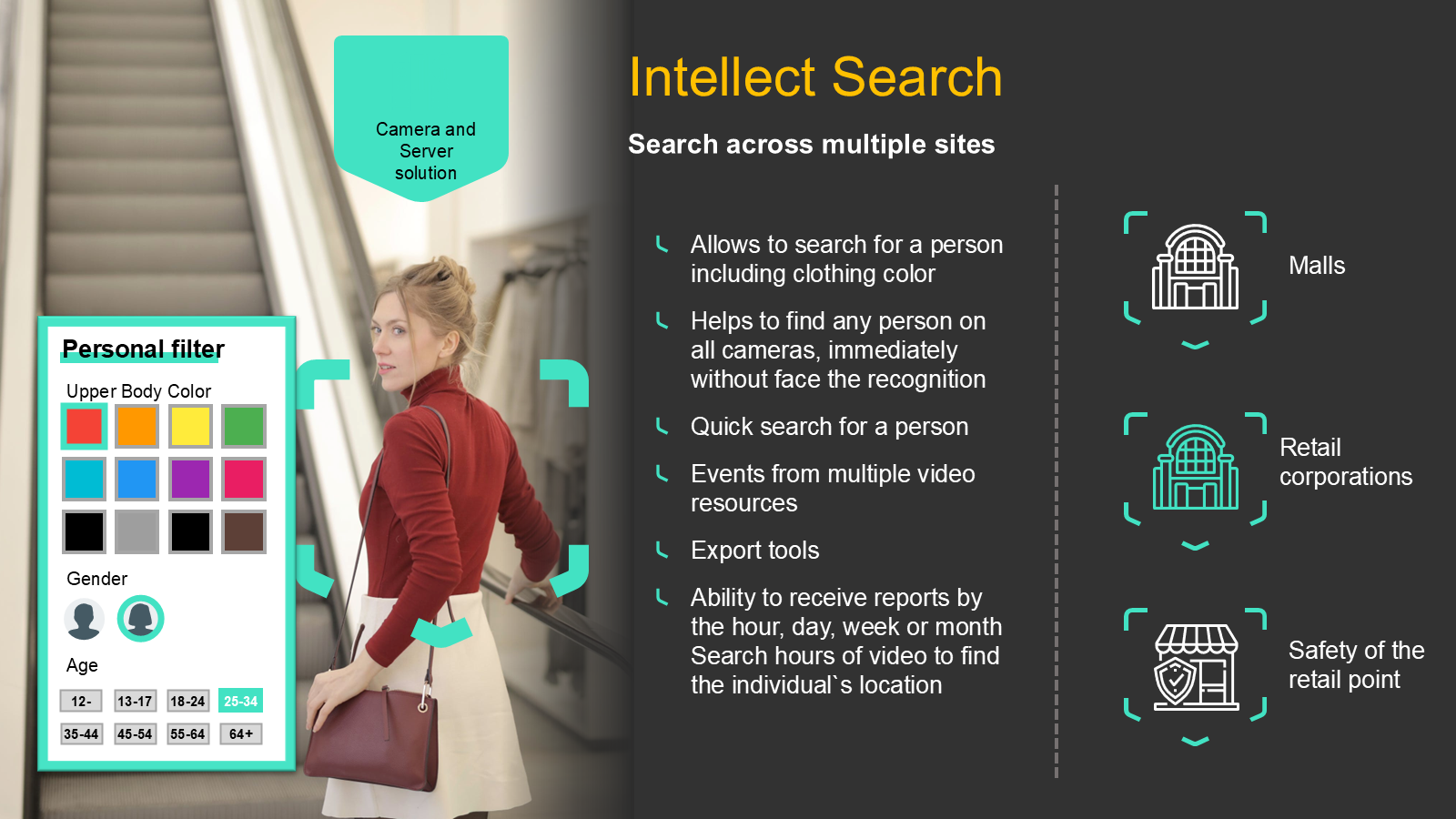
Case Study: Intellect Search
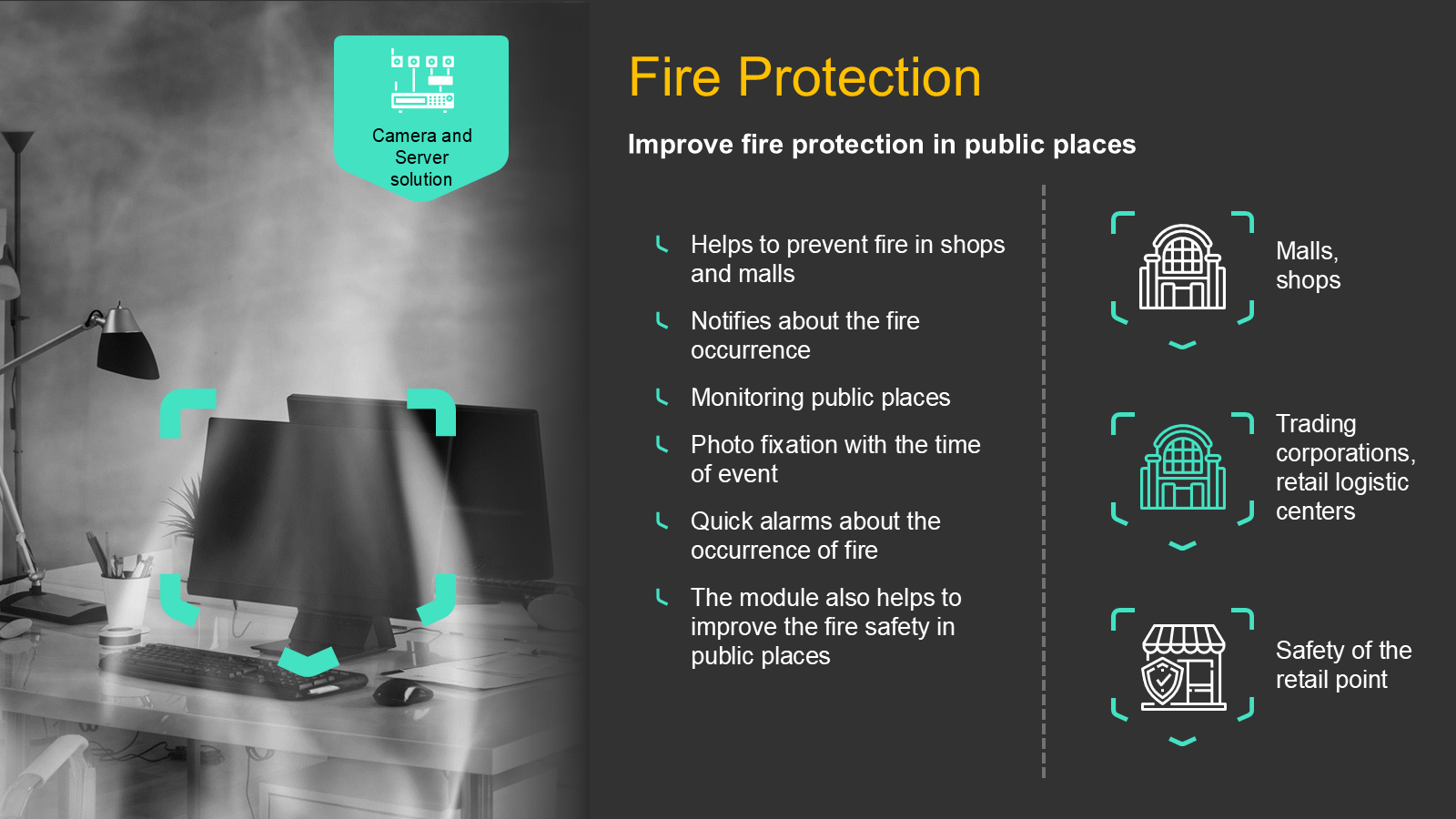
Case Study: Fire Protection
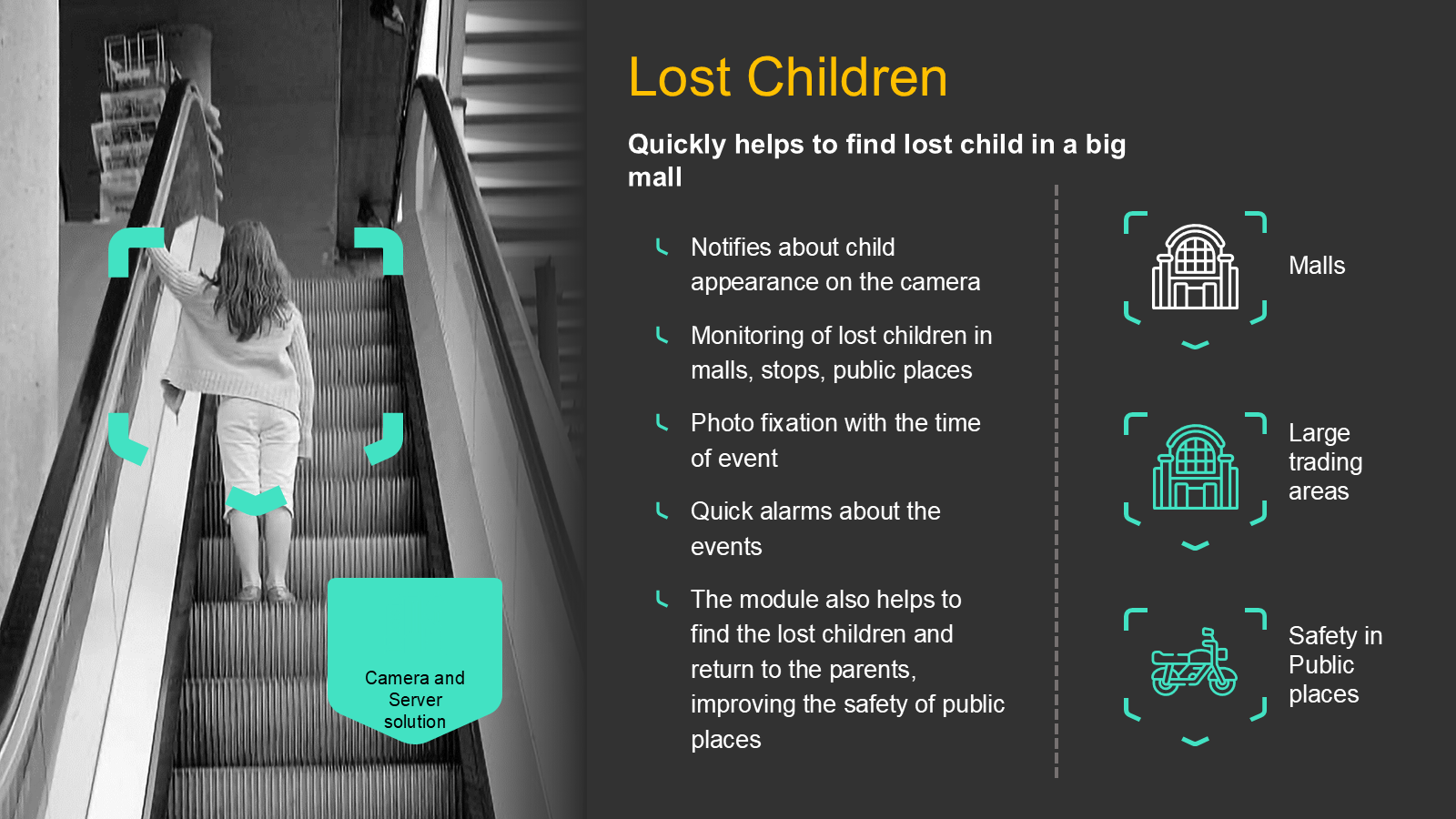
Case Study: Lost Children
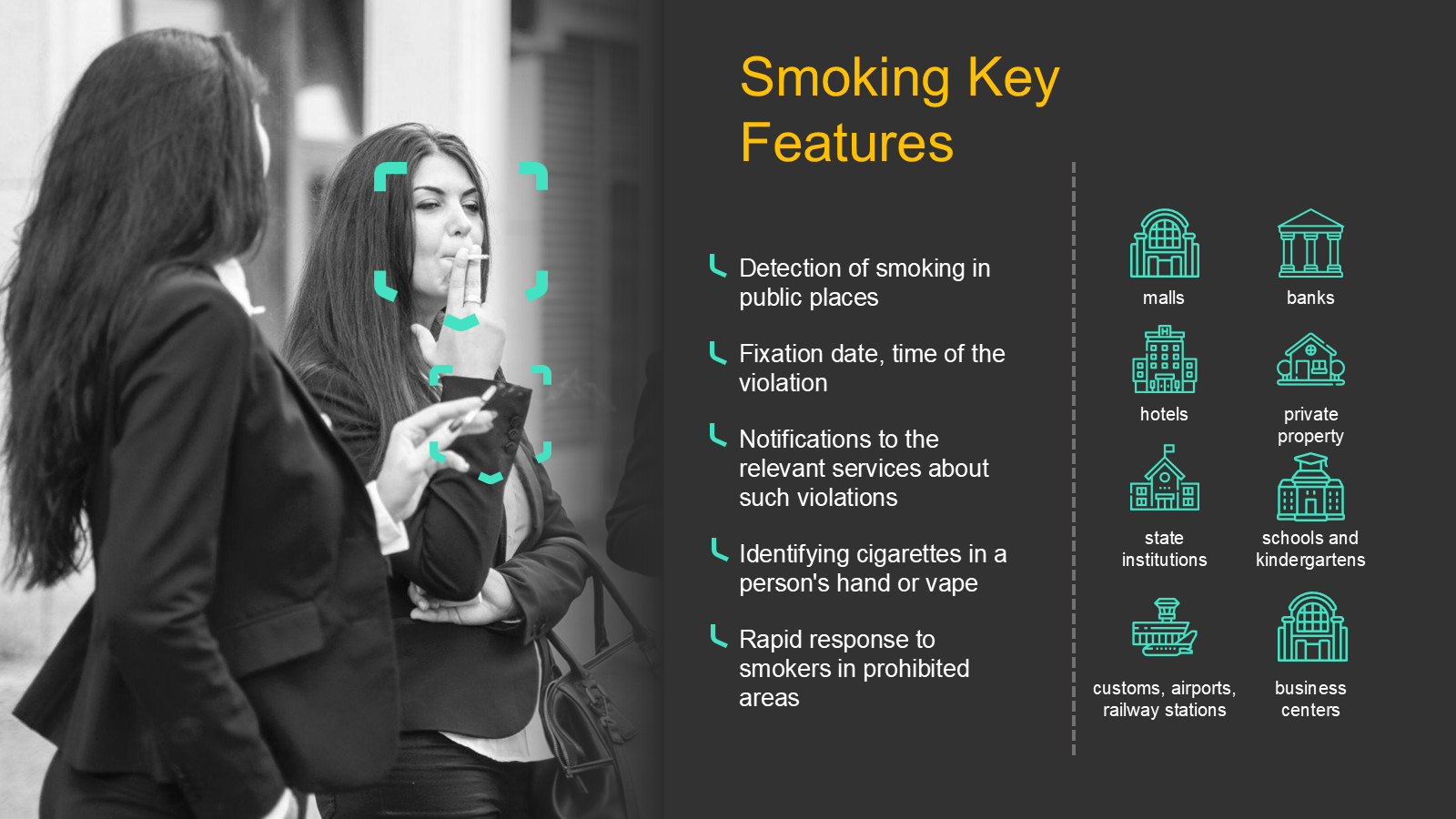
Case Study: Smoking Detection
A Definition, Starting with Aristotle
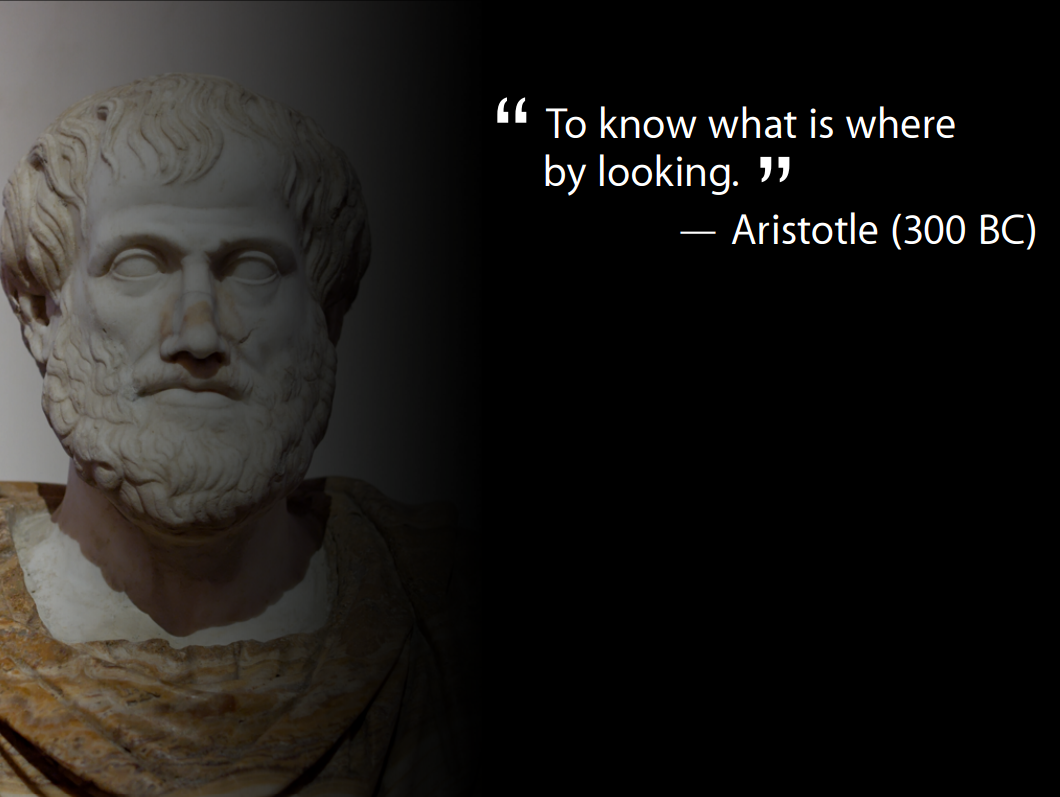
“To know what is where by looking.” — Aristotle (c. 300 BC)
Computer Vision: A Working Definition
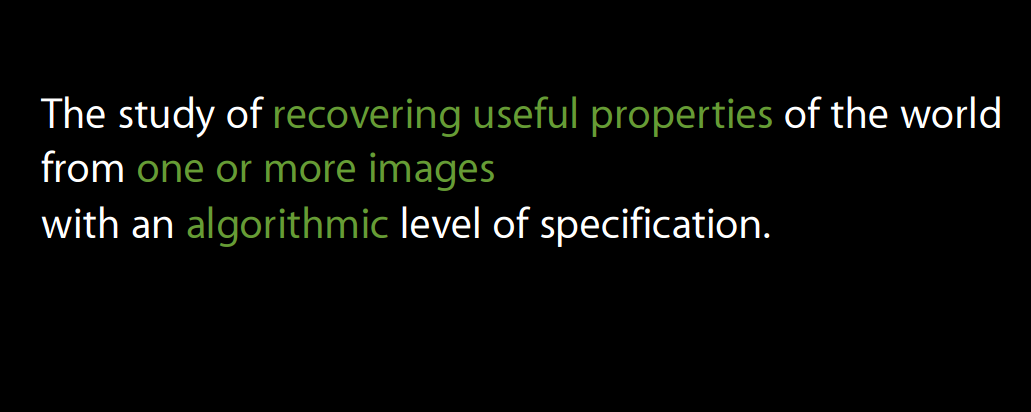
The study of recovering useful properties of the world from one or more images, with an algorithmic level of specification.
The 1966 MIT “Summer Vision Project”
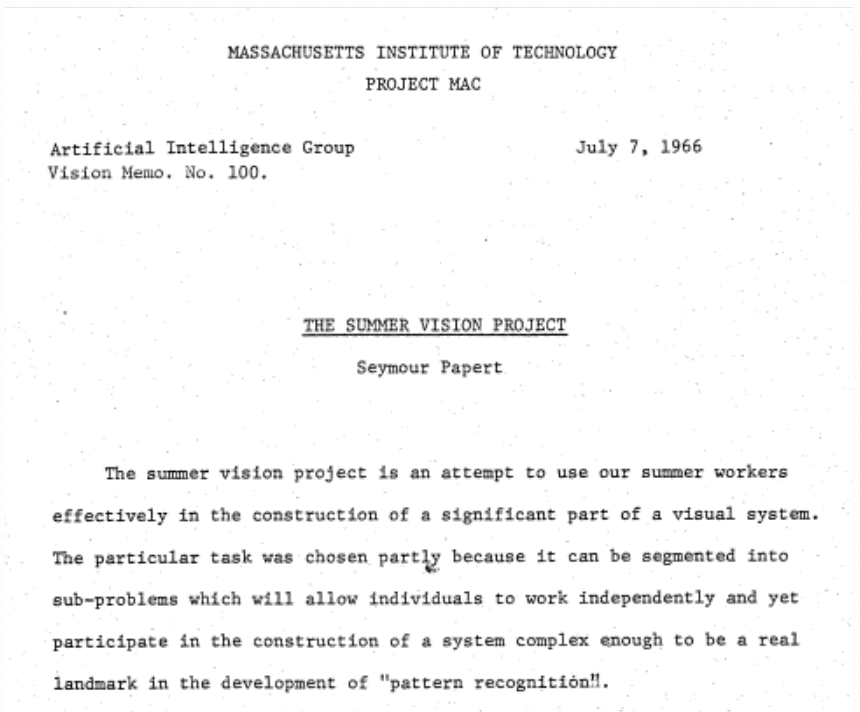
Papert proposed to “construct a significant part of a visual system” over a single summer. Sixty years later, the problem is still open.
What Makes Computer Vision Hard?

To a Computer, an Image Is Just Numbers

We see a skyline. The computer receives only a grid of intensity values.
What the Computer Actually Sees
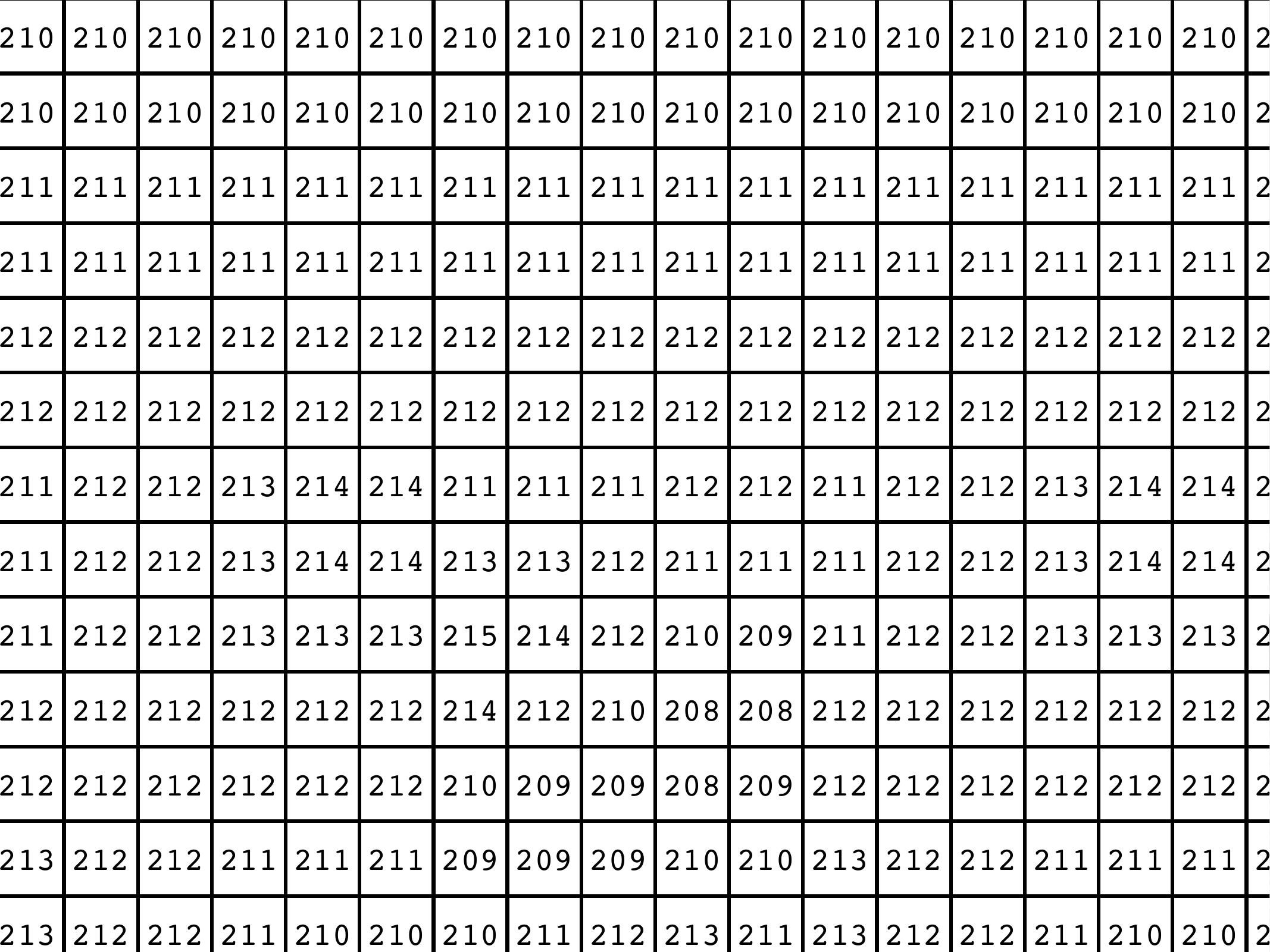
A patch of “sky” is just numbers near 210 — no objects, edges, or meaning attached.
Many Scene Factors Collapse into One Pixel
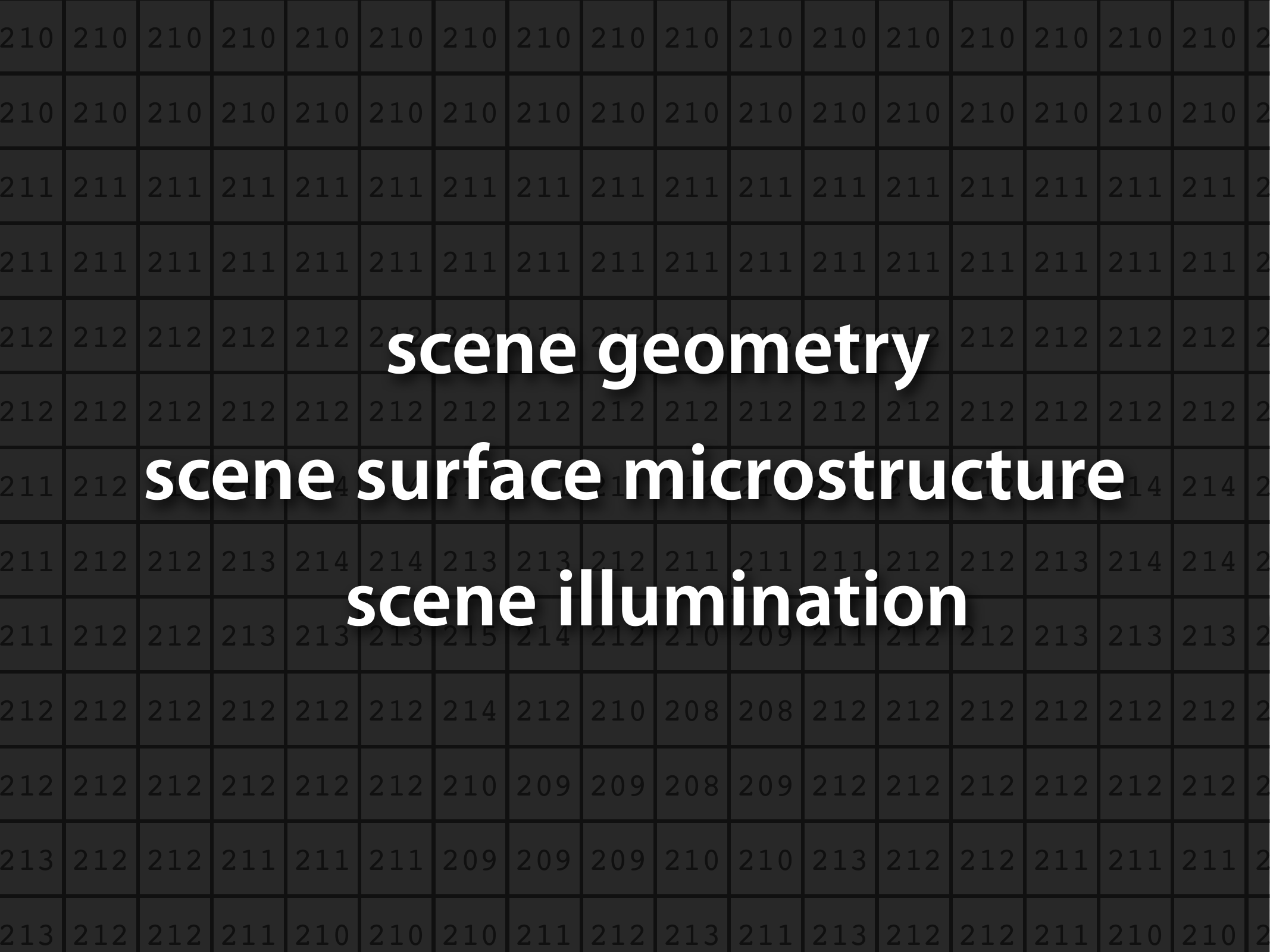
Each measured value mixes scene geometry, surface microstructure, and illumination — and we must undo that mixing.
Vision Is an Inverse Problem
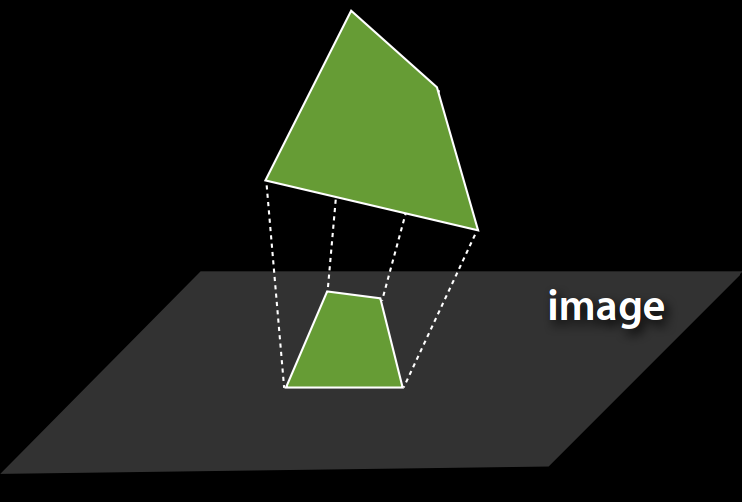
Image formation maps a 3D scene to a 2D image. Vision has to run that map backwards.
Infinitely Many Scenes Explain One Image
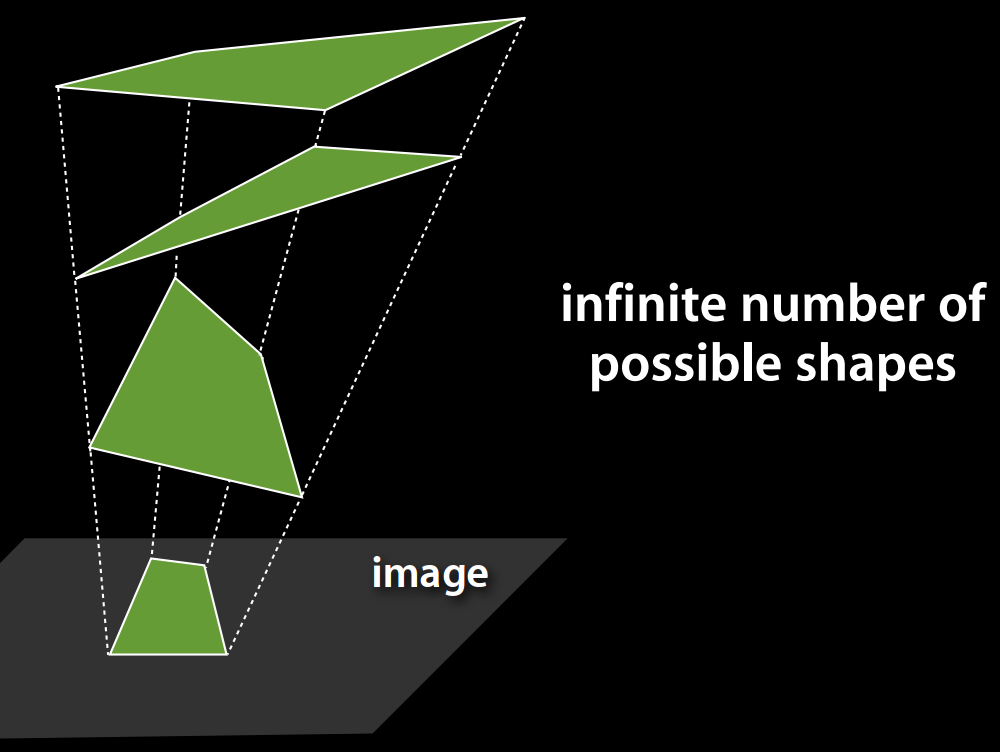
An infinite number of 3D shapes produce the same projected image. The problem is ill-posed without prior assumptions.
Perception Can Be Fooled: Anamorphic Art
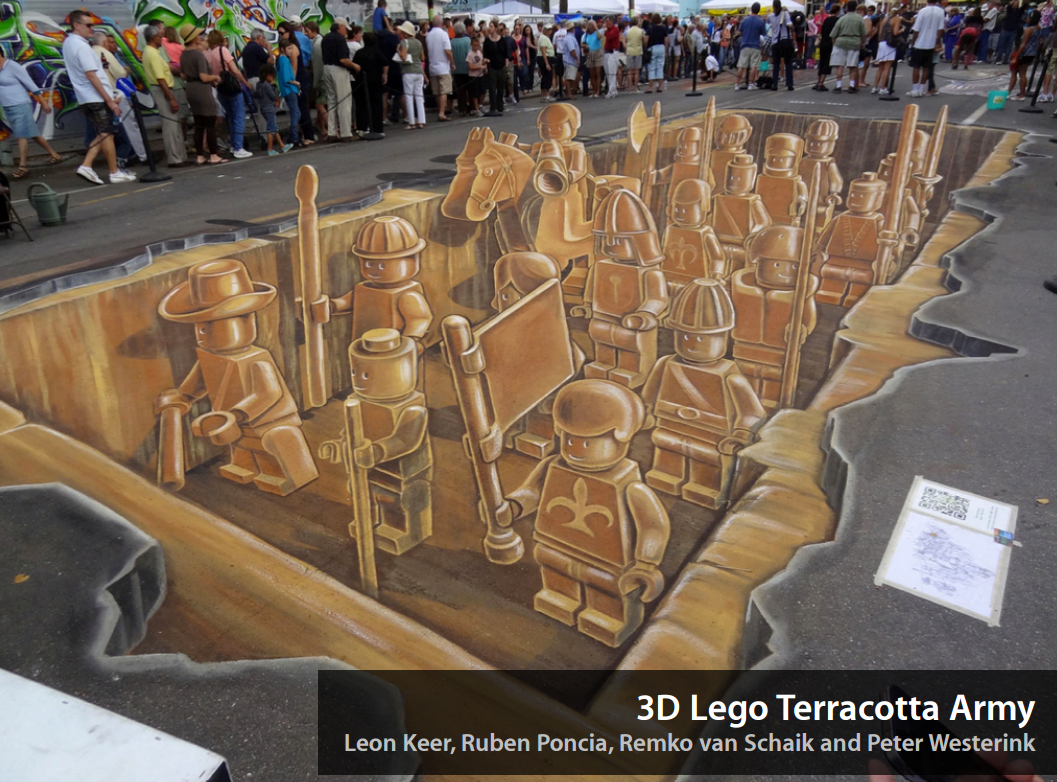
“3D Lego Terracotta Army” by Leon Keer et al. — flat pavement painted to project as depth from one viewpoint.
Forced Perspective
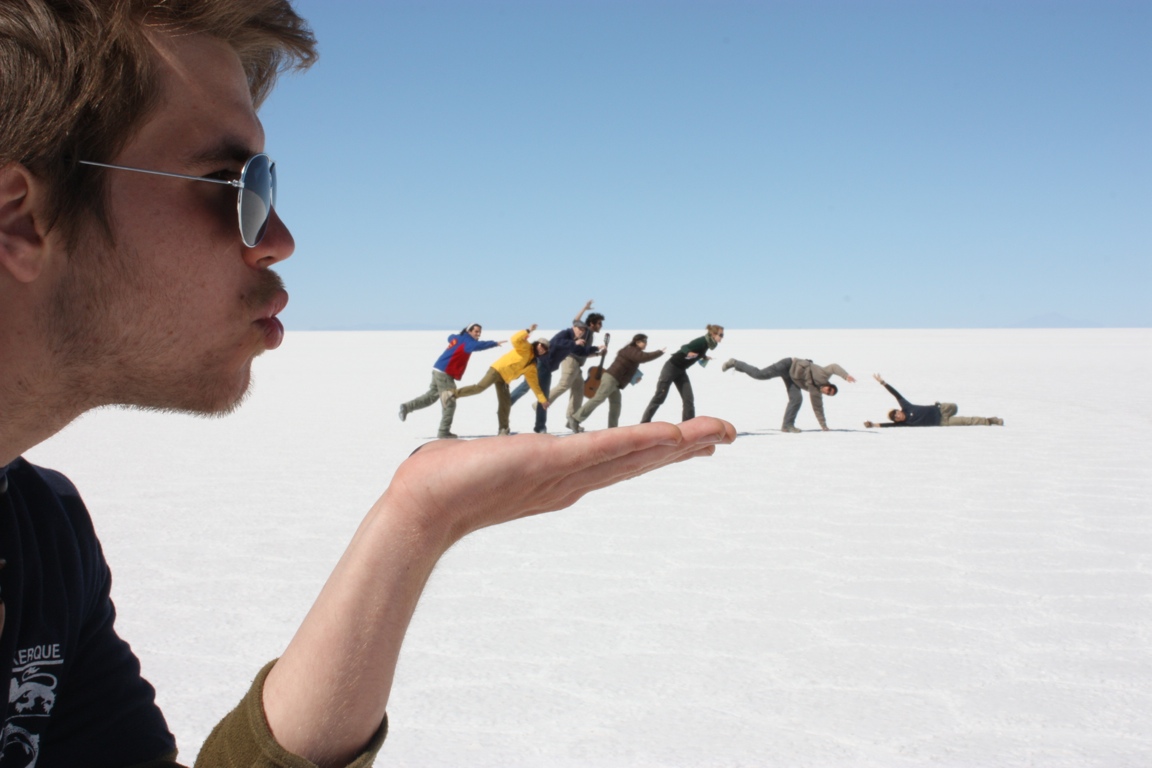
No depth cues on the salt flat, so the eye — and a camera — accept the wrong scene.
Perception Is Not Reality
What we “see” is a model the visual system constructs — useful, but not a direct readout of the world.
Objects Vary Enormously in Appearance
Varying Scales

The same category spans a huge range of sizes in the image.
Varying Instances
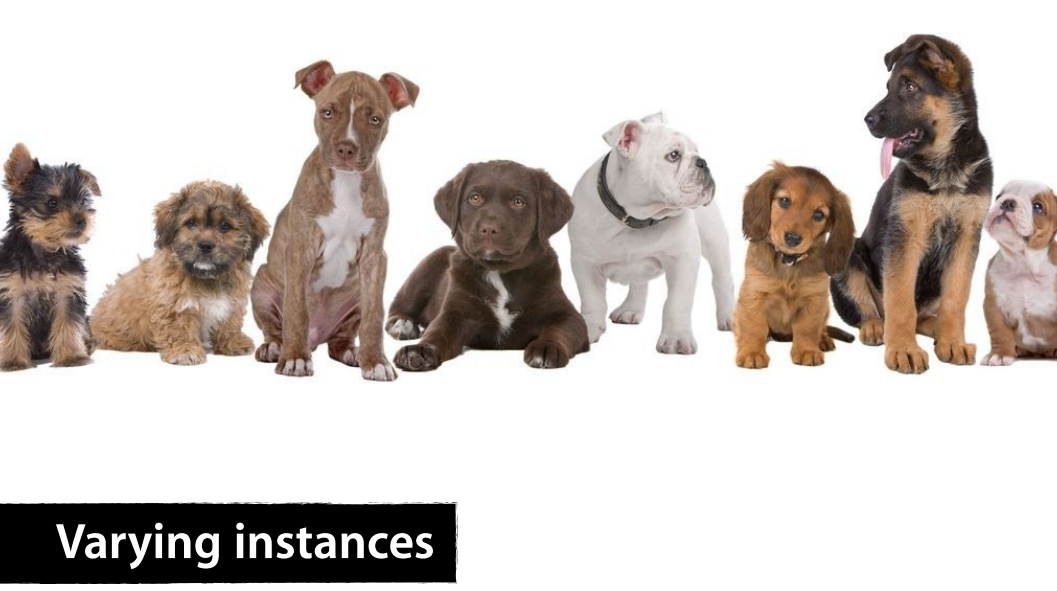
“Dog” covers wildly different shapes, colours, and textures.
Occlusion

Most of the object is missing from the image, yet we still recognise it.
Highly Articulated Objects

Bodies and other jointed objects deform into a vast space of configurations.
Course Structure
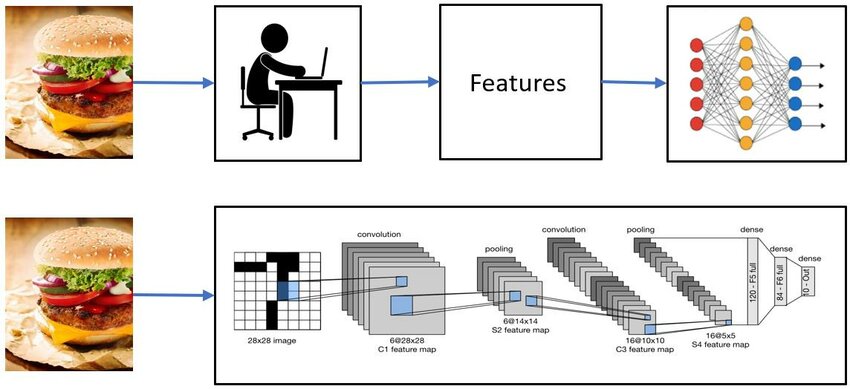
The course covers both classical and modern computer vision.
- Classical CV: image formation, filtering, Fourier analysis, features, geometry, stereo, motion, and 3D vision
- Modern CV: machine learning, image classification, object detection, segmentation, and deep learning
- This is not a machine learning course, but we will introduce the ML/DL concepts needed for computer vision. Good follwo-up courses:
- Deep Learning (Prof. Zibo Wang)
- Computer Applied Computer Vision for Engineering Systems (Prof. Minghan Li)
400 vs. 500 level: There is no difference in course content. If appropriate, ask to count as 500.
Course Resources

Course Website: https://kazimbalti.github.io/intelligent-vision-systems/
- Primary place to access the syllabus, course schedule, TA information, lectures, and other course information
- Use this as your main entry point for the course
GitHub Repository: https://github.com/Kazimbalti/intelligent-vision-systems
- Contains course source files, code, notebooks, and downloadable materials
- Useful when you need to clone/download code or inspect the underlying files
Lectures:
- Are grouped by topic and may be convered over multiple class sessions
Attendance Matters
- In-person attendance is mandatory, although will not be monitored.
- Some material will be discussed/developed only during class.
- Material added/discussed during class will not be recorded or posted later.
- You are responsible for material covered during any class you miss.
- Students with less than 70% attendance will not be permitted to sit the final exam.
Bottom line: Being physically present and engaged in class is an important part of this course.

Academic Integrity
Academic dishonesty will be taken very seriously.
Examples include:
- Copying another student’s homework
- Using prohibited resources during an exam
- Misrepresenting or abusing an excused absence
You may collaborate and discuss homework, but the work you submit must be your own.
Computers & Programming
- You are expected to have access to a computer for programming and in-class activities.
- Classroom computers are available if needed.
- Loaner laptops may also be available through the library.
- The only programming language used for this course is Python (OpenCV and PyTorch libraries).
- We will not use other languages (C++, MATLAB, etc.) because this will complicate TA help and grading.
Expected Workload
Expect this course to require approximately 10 hours per week on average, including:
- Attending class
- Reviewing lecture material
- Programming
- Completing homework
- Preparing for exams
Some students will need substantially more time, particularly if they are less comfortable with:
- Python/programming
- Calculus
- Linear algebra (matrix computations)

Do not fall behind early.